Devlog
Every release, with the demos Claude Code recorded from the build.
Releases, newest first
-
Live, with an admin panel
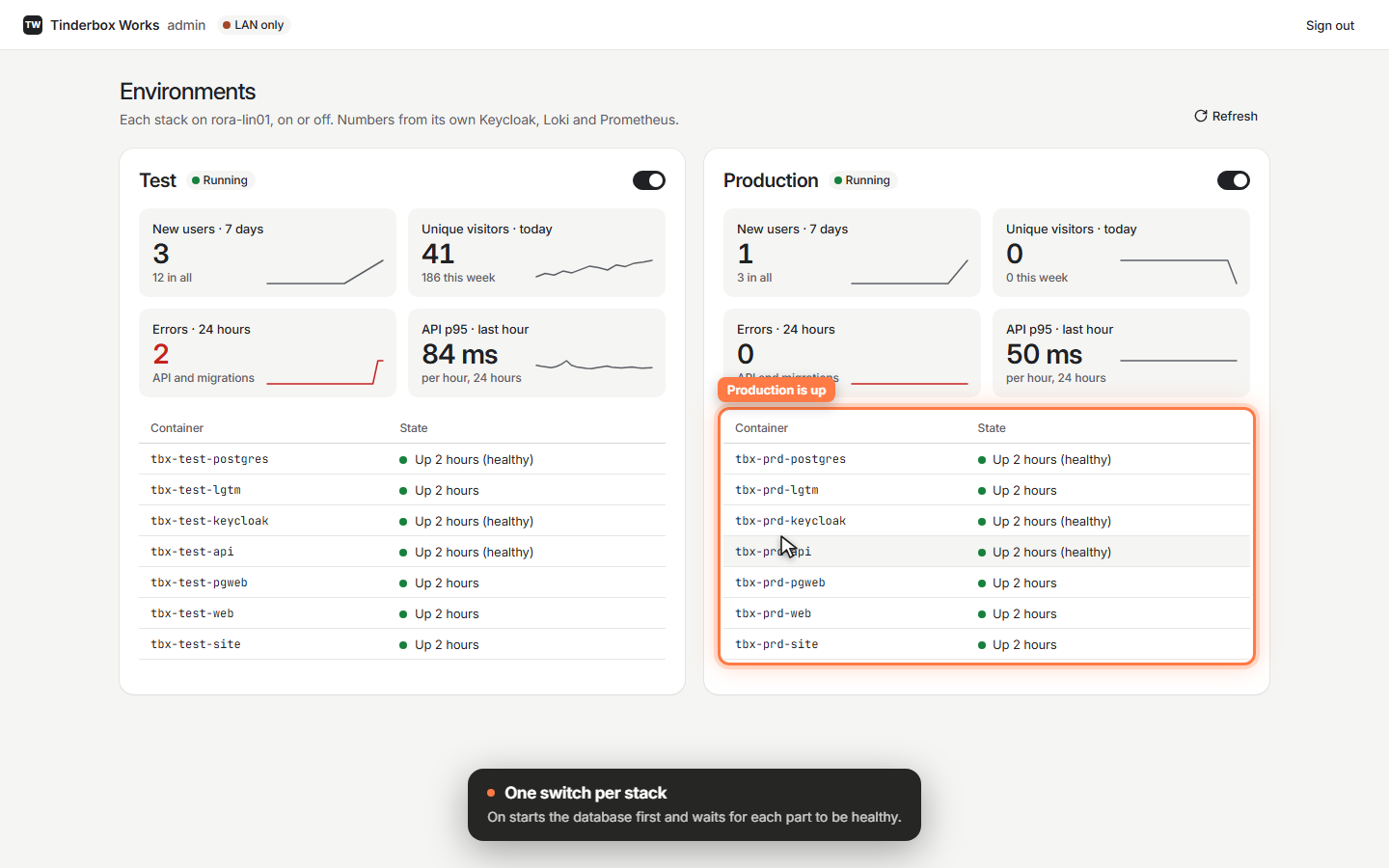
Tinderbox Works now runs in production at tinderboxworks.com, next to the test environment. One admin panel shows both side by side: whether each runs, its containers, new users, visitors, errors and speed, with one switch to turn a stack on or off.
 Video
Video
-
A welcome that sets you up
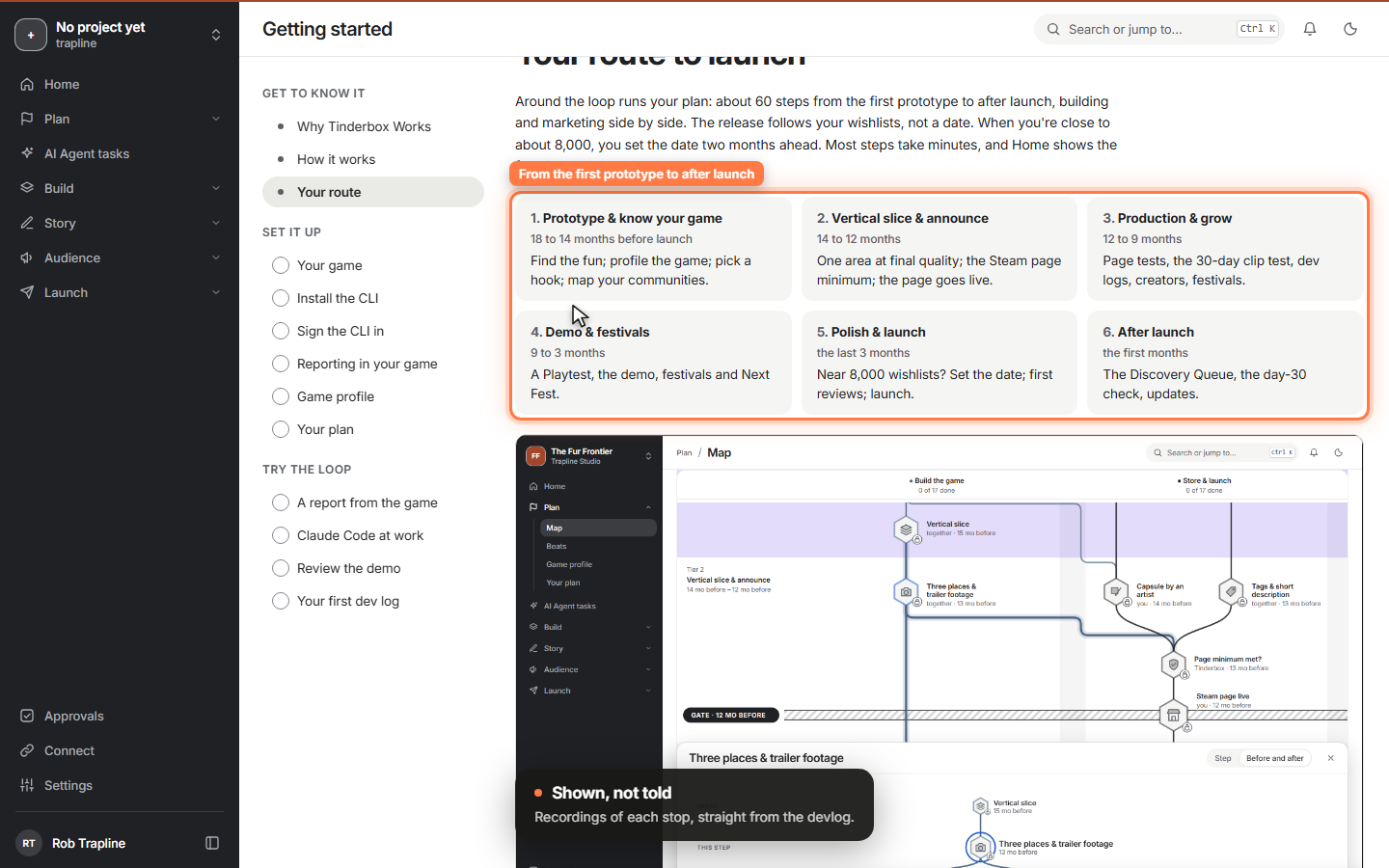
Open Tinderbox Works for the first time and a wizard explains what it's for and how it runs next to your build, with recordings and diagrams. Then it sets you up one step at a time, and each step ticks itself when Tinderbox sees it happen.
 Video
Video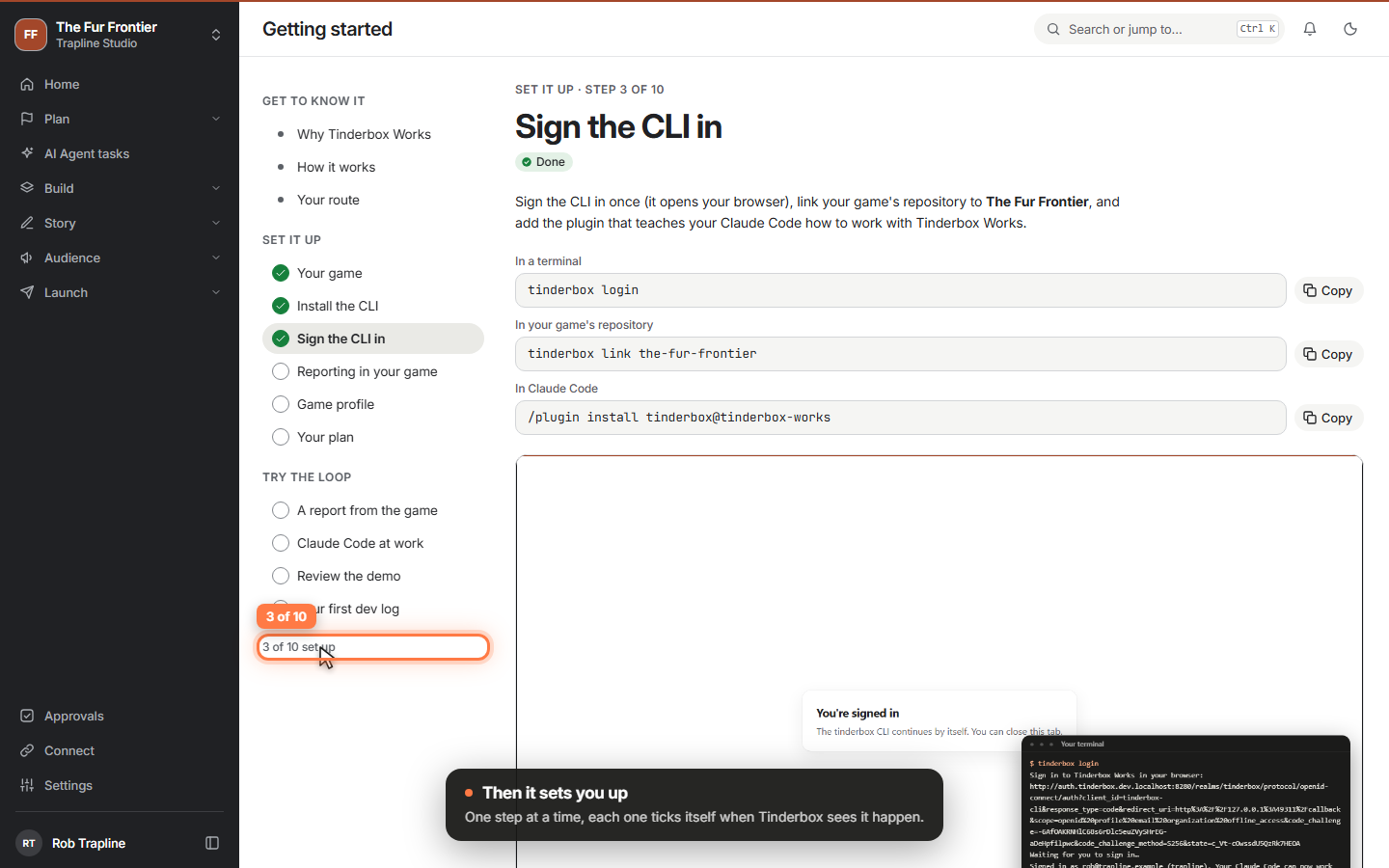 Clip
Clip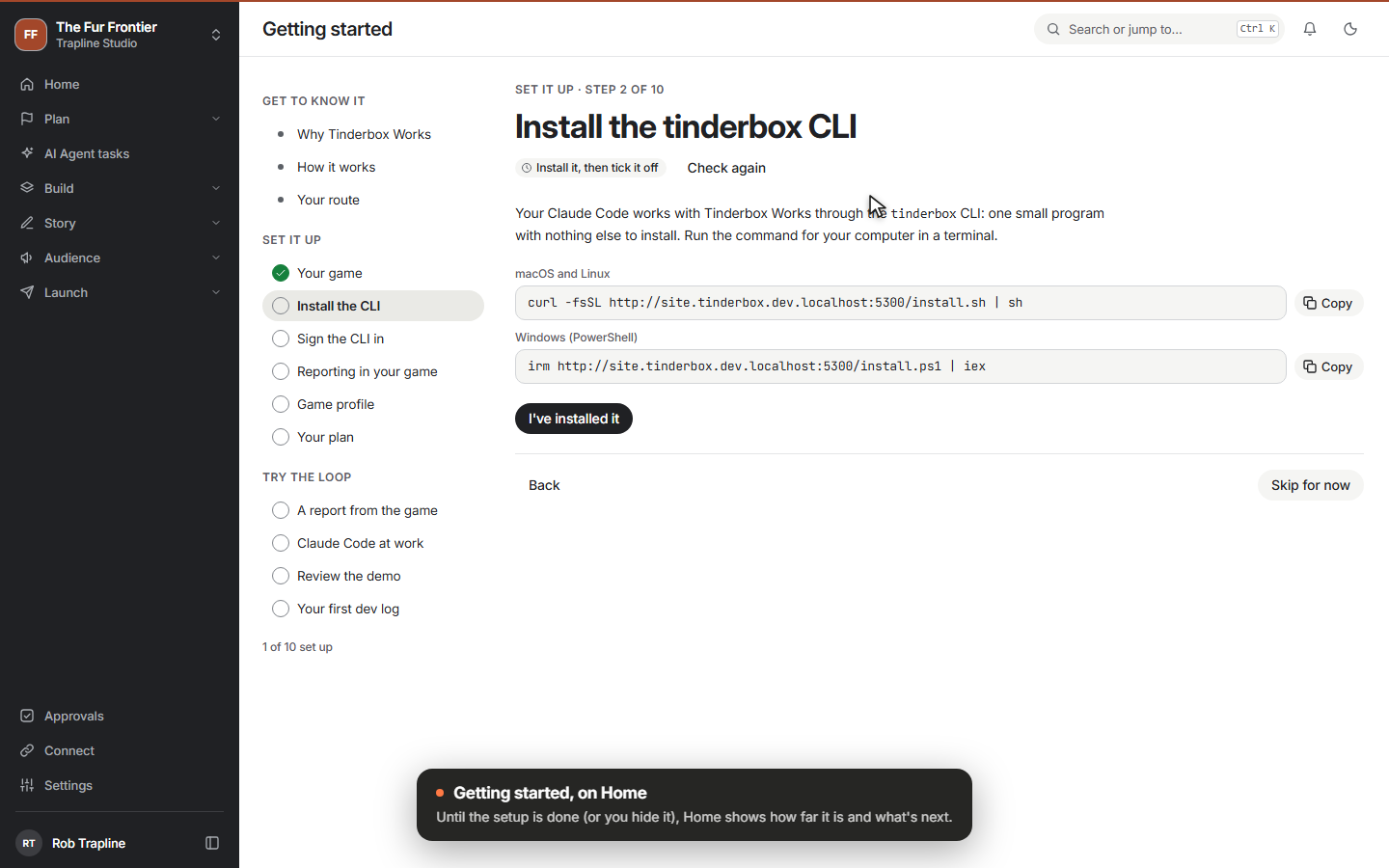 Clip
Clip
-
A loading screen worth the wait
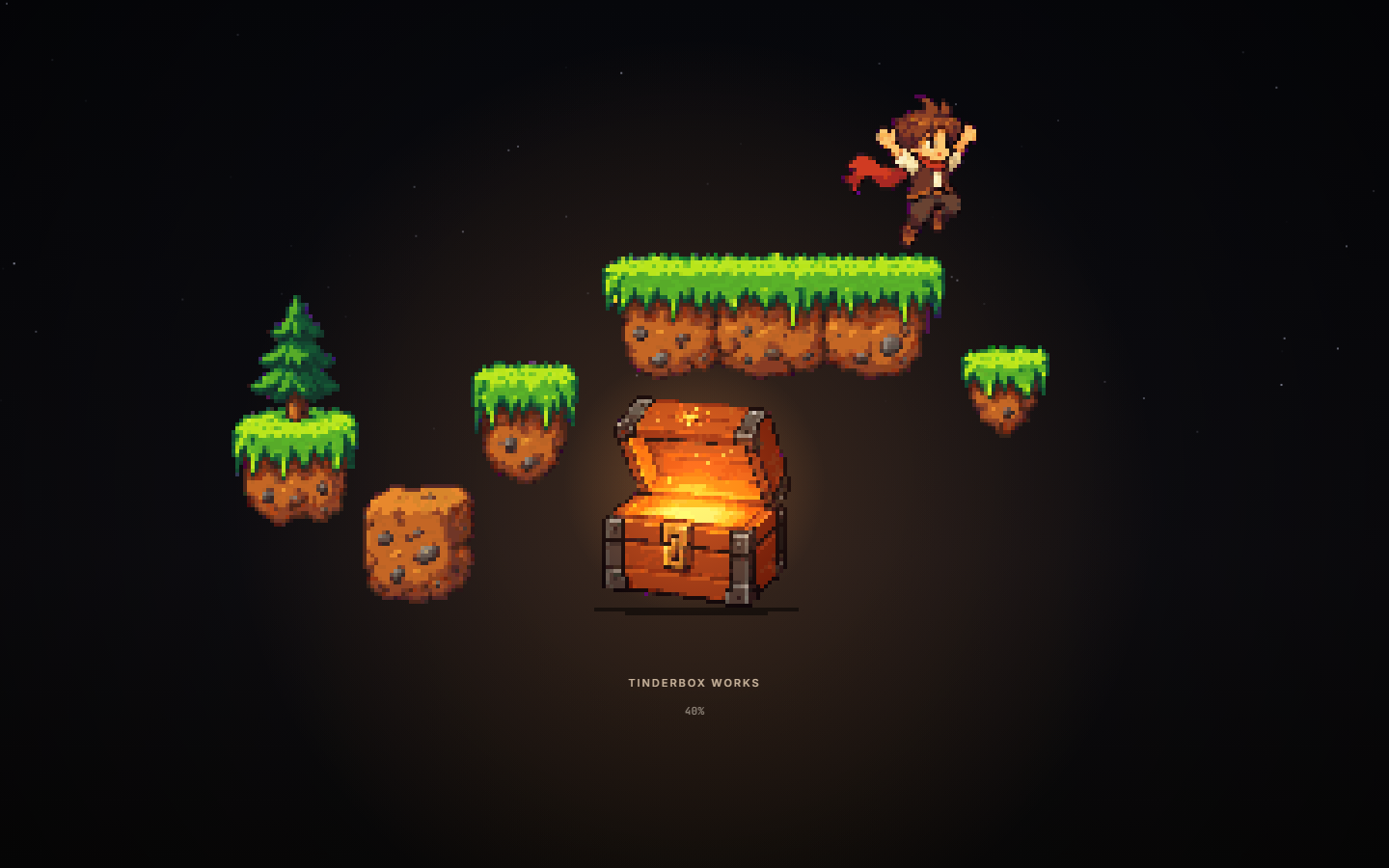
The campfire is gone. While Tinderbox Works loads, a little hero now leaps out of a tinderbox, builds a level, runs across it and packs it away again, with a different level each time. Here is how ChatGPT and Claude Code got there, and the four storyboards we didn't pick.
 Video
Video
-
The plan as a tech tree
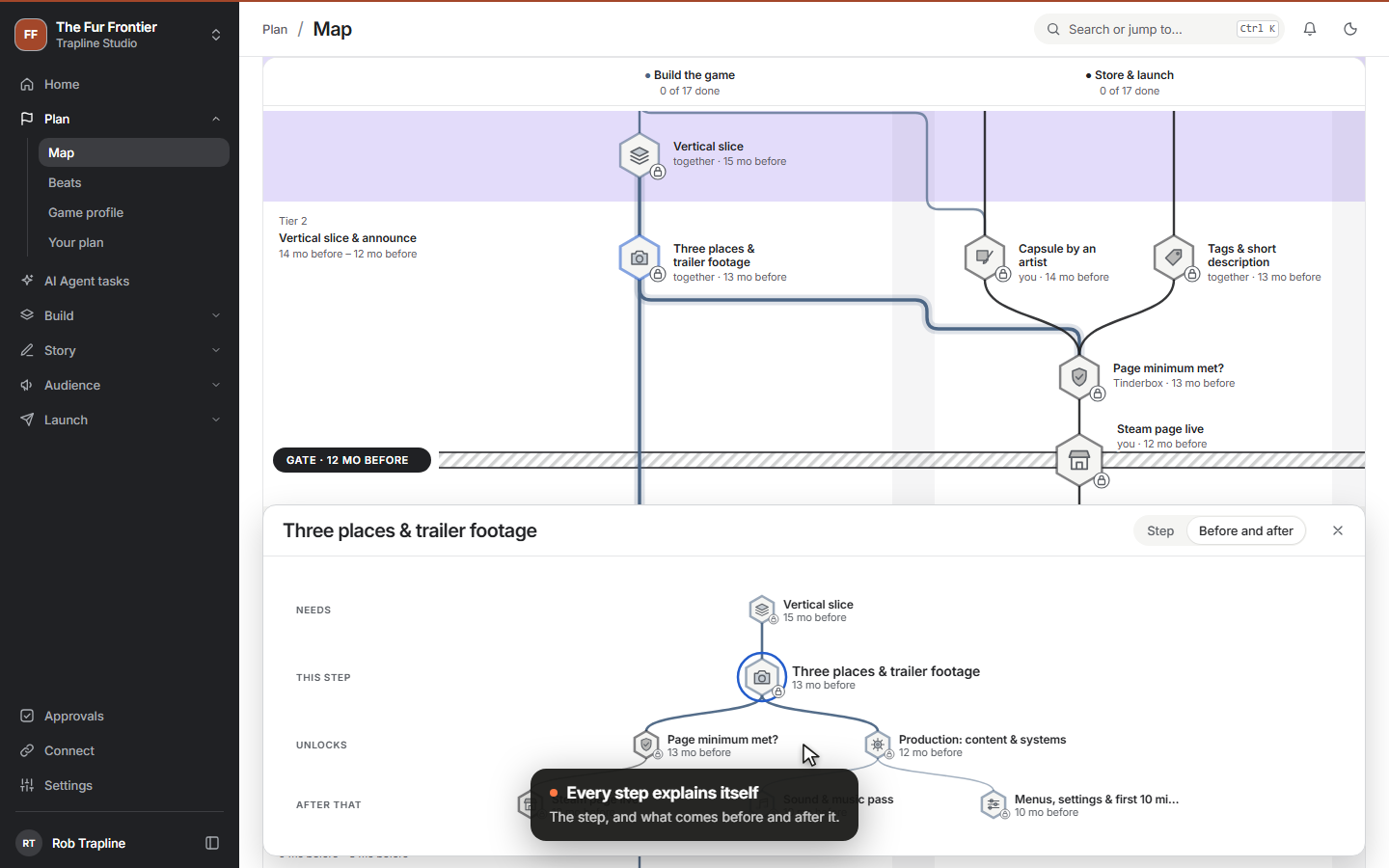
Your plan is now the tech tree from the design: building the game and marketing it side by side, from the first prototype to after launch, across the whole page. The CLI no longer needs .NET, you can file bugs and ideas in the app, and signing in and out no longer flashes a white page.
 Video
Video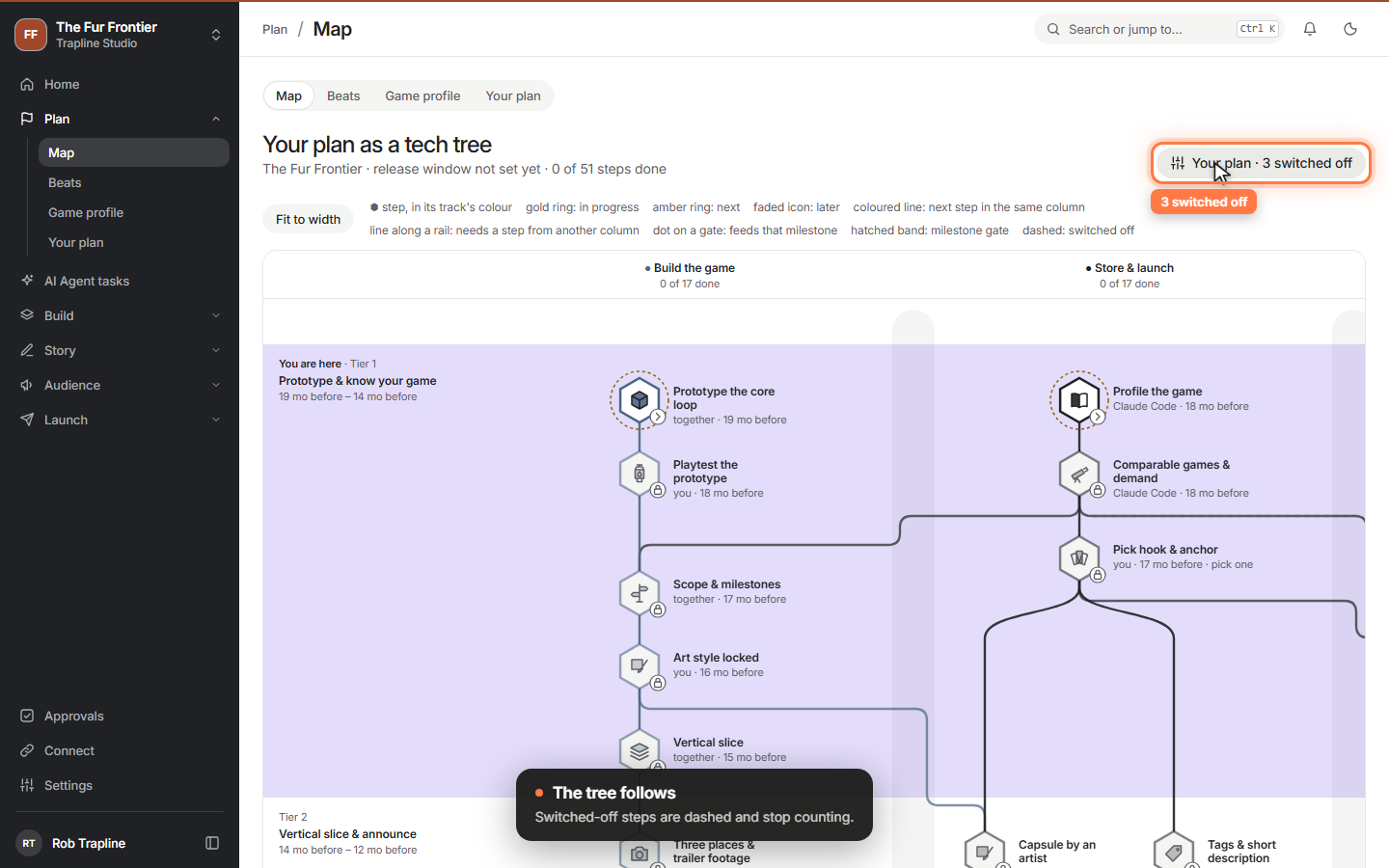 Clip
Clip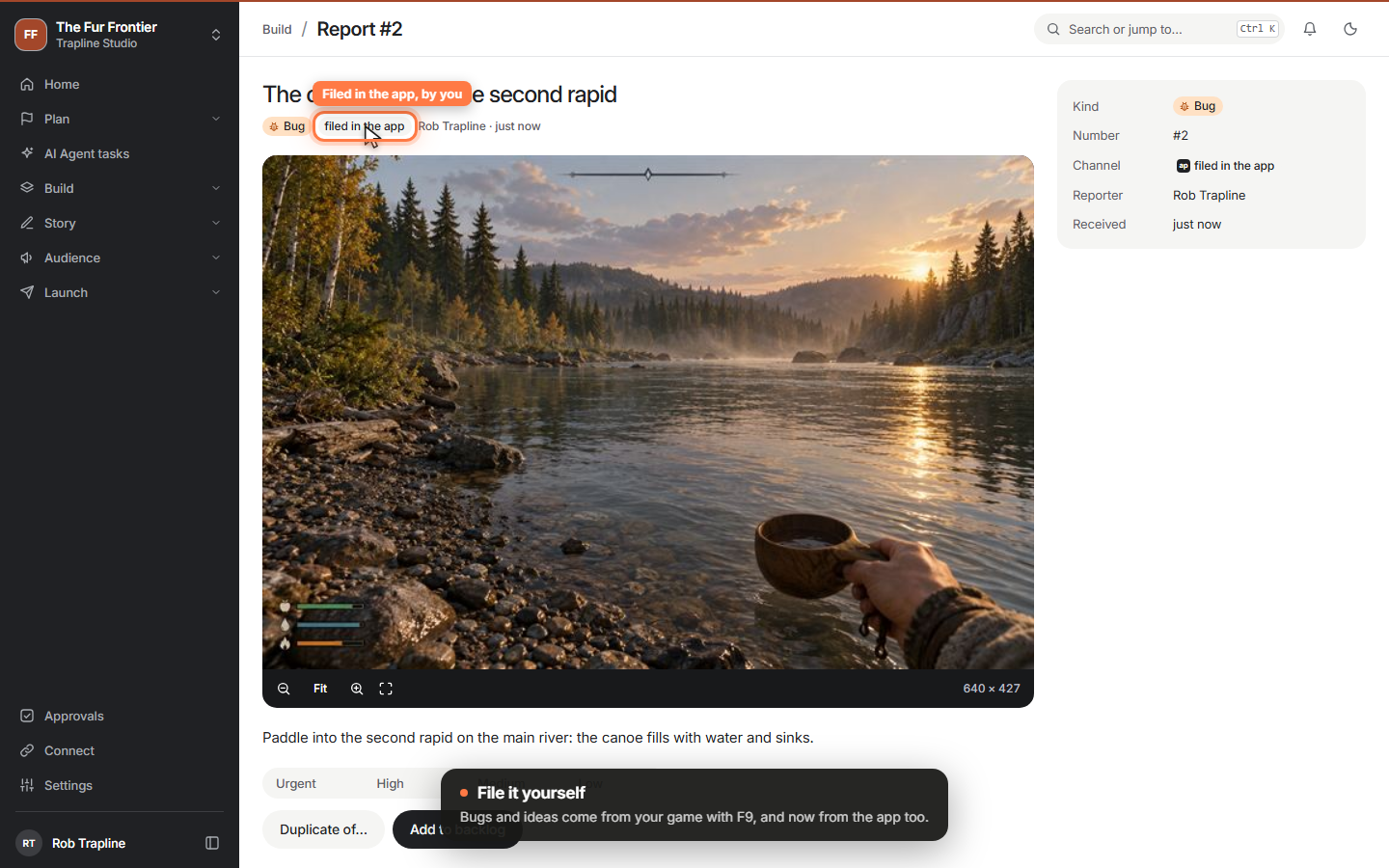 Clip
Clip
-
The launch kit
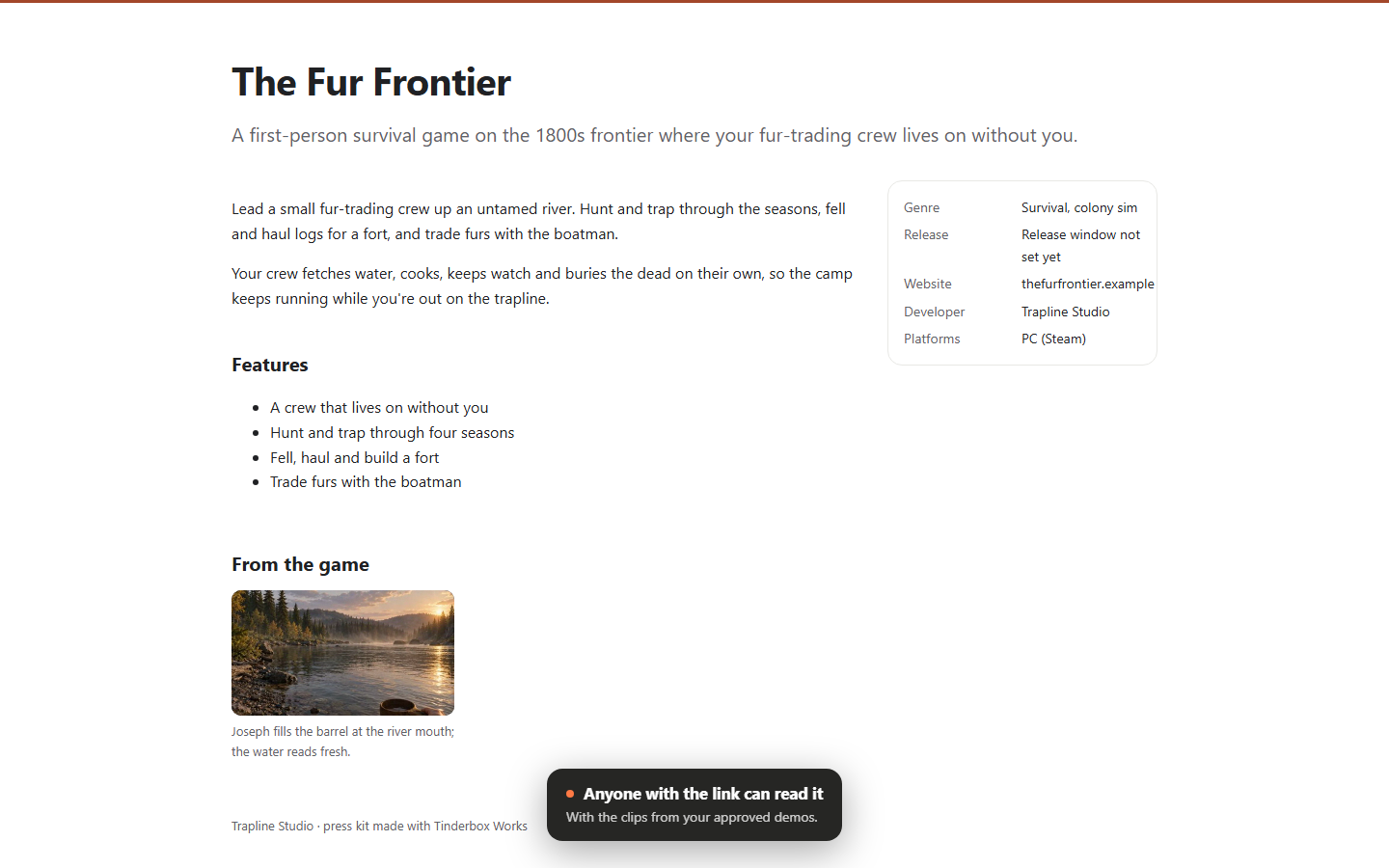
Everything a player, a streamer or a festival curator looks at before they play, in one place: press kit, website, Discord, trailer, demo and festivals. Claude Code prepares each one, you tick them off, and the press kit becomes a public page.
 Video
Video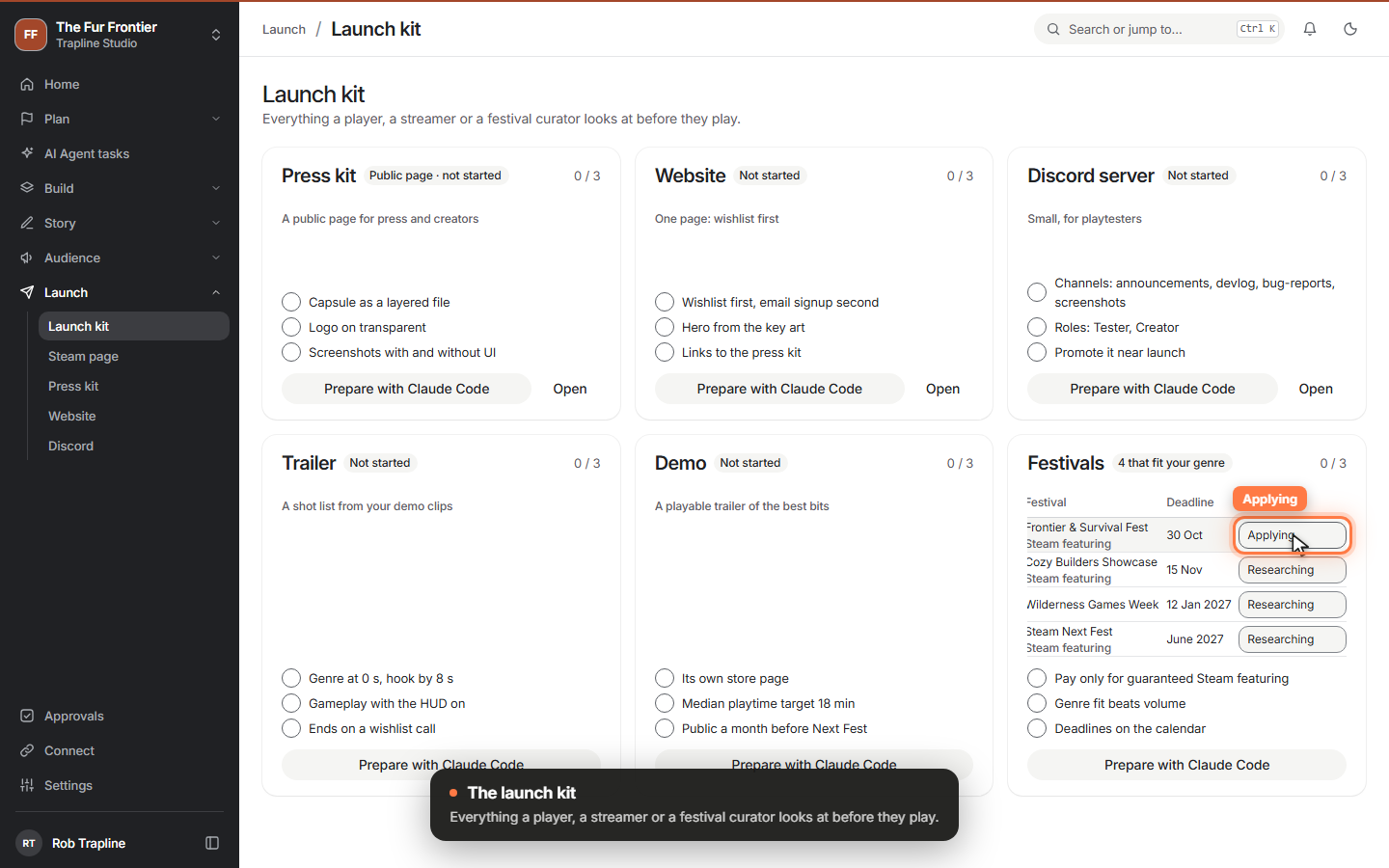 Clip
Clip
-
Creators who covered games like yours
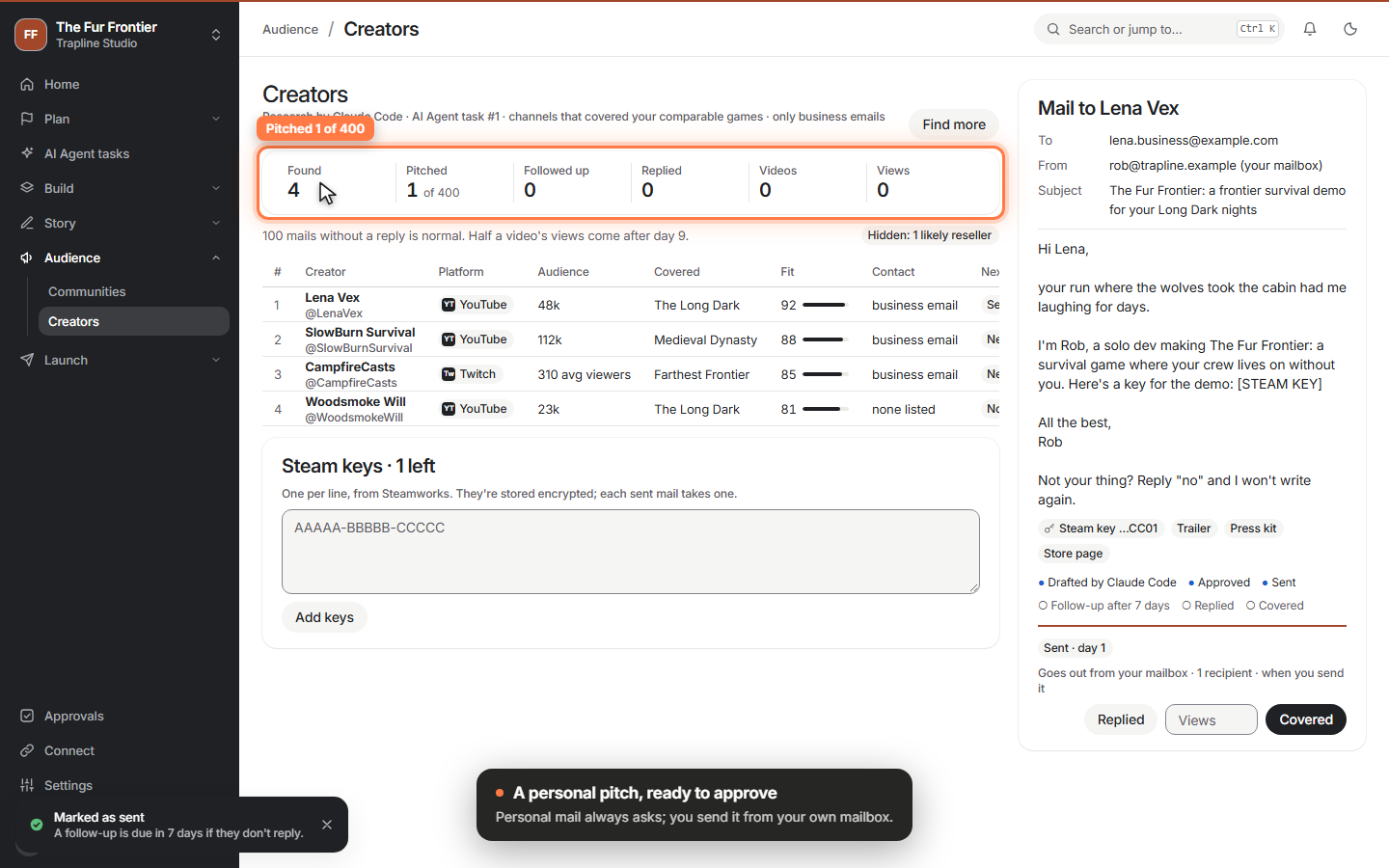
Claude Code finds the channels that covered the games your players also bought and drafts a personal pitch for each, with a place for a Steam key. You approve every mail and send it from your own mailbox; the funnel follows pitches to videos.
 Video
Video
-
Be a good member of your communities
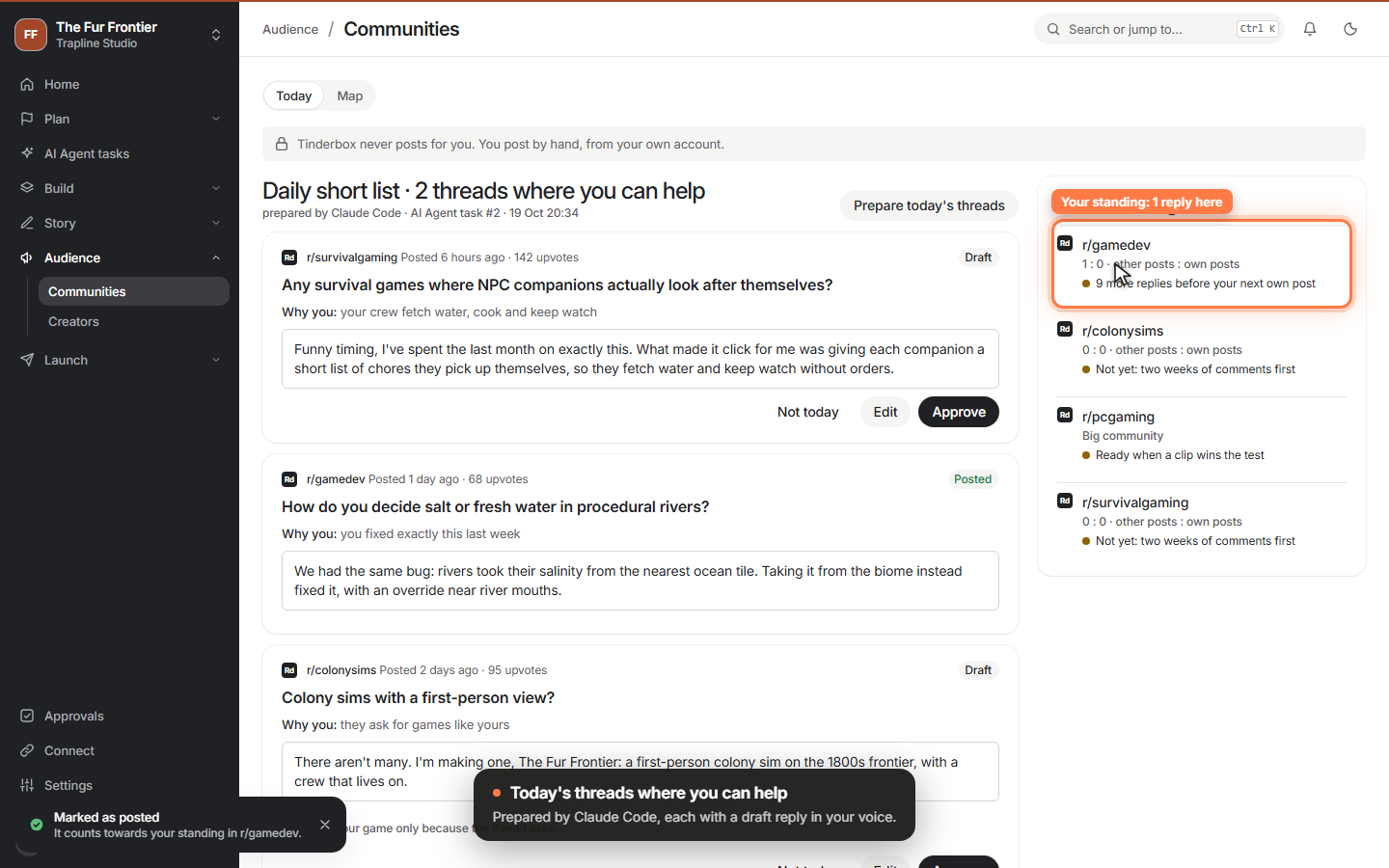
Claude Code maps the communities your players are in, with their rules about self-promotion, and finds a few threads each day where you can genuinely help, with a draft reply. You approve, copy and post by hand; your standing shows when a community is ready for a post about your game.
 Video
Video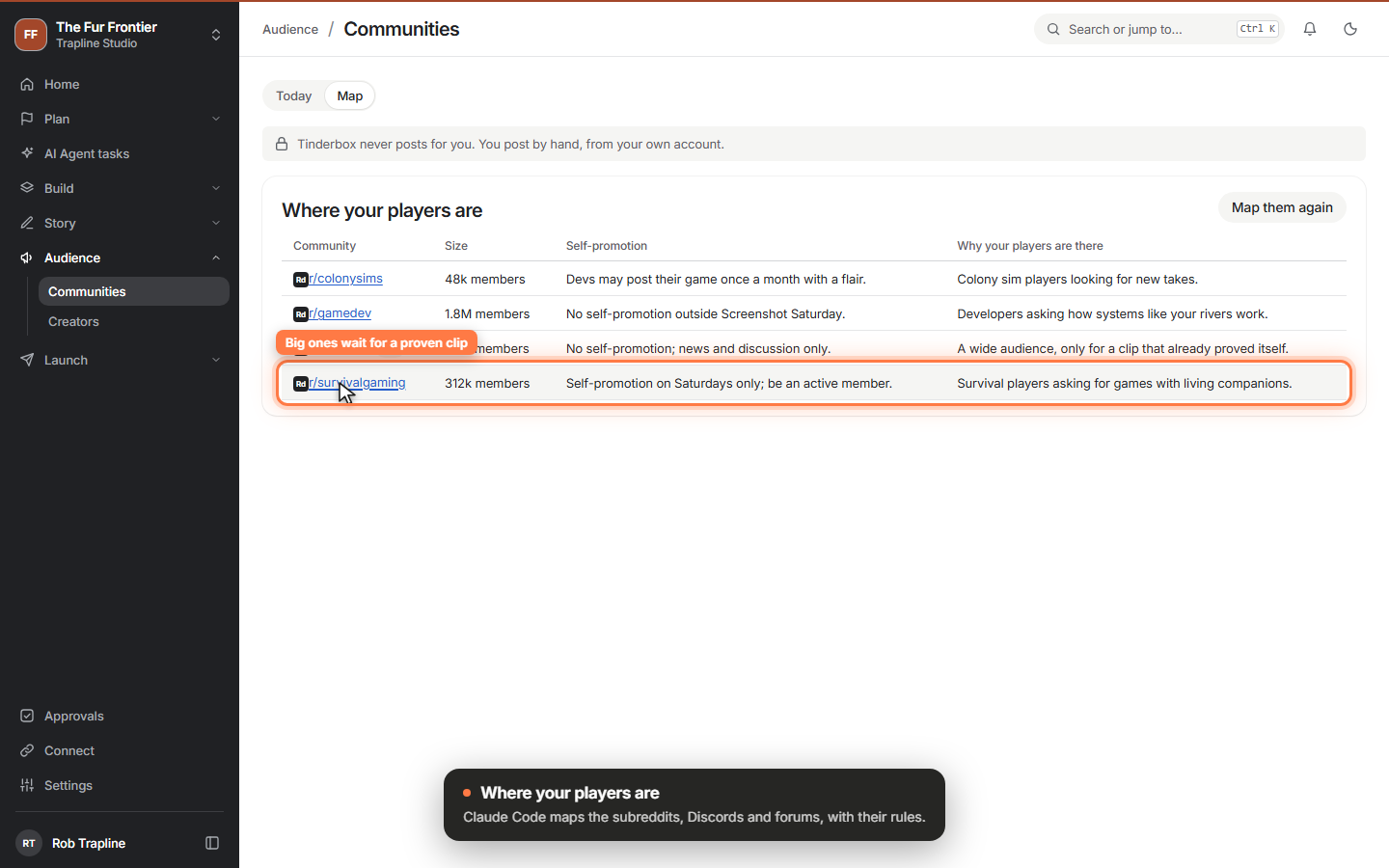 Clip
Clip
-
Dev logs from your demos
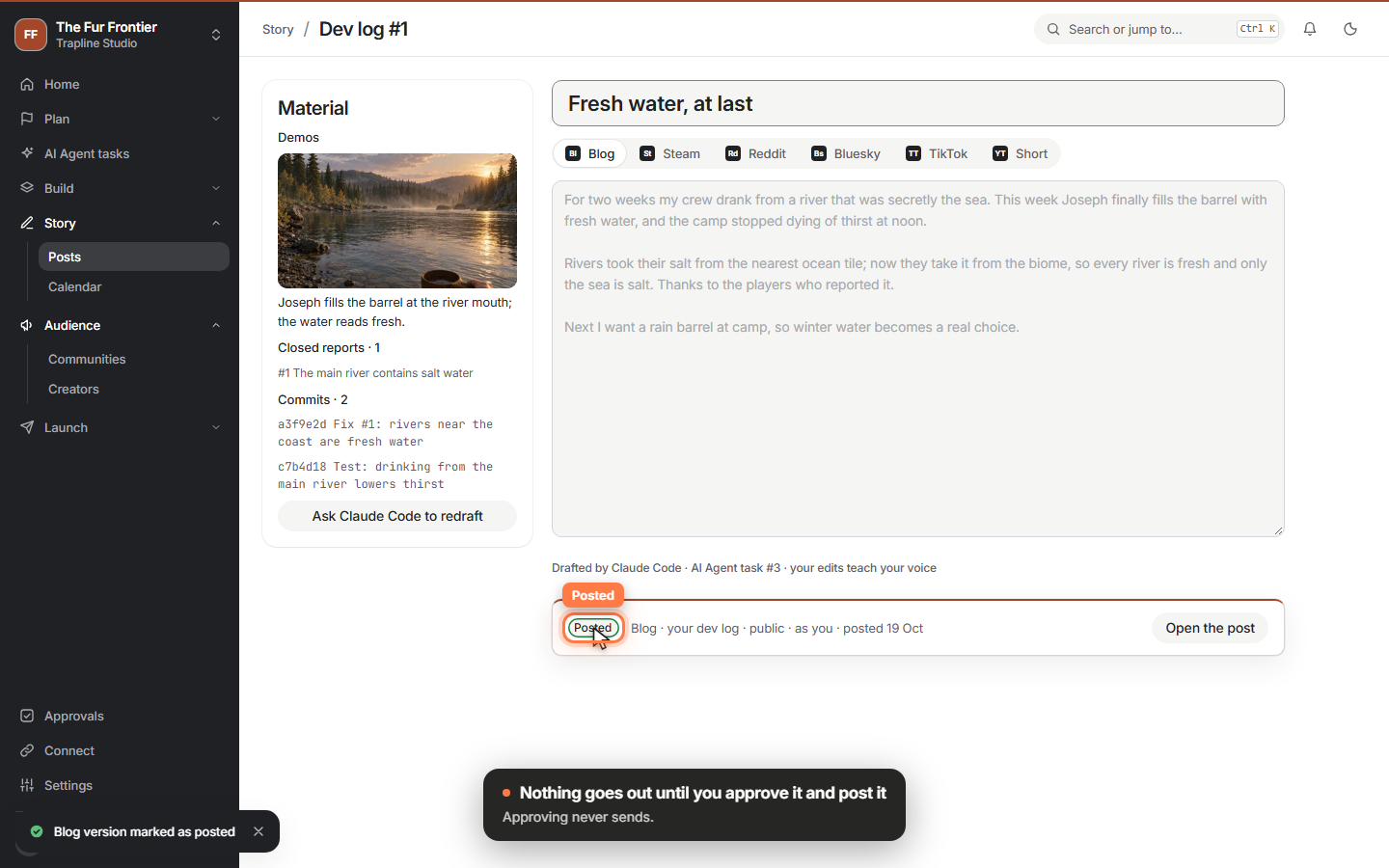
Pick the demos and fixed reports since your last dev log and Claude Code drafts it in your voice, with a version for your blog, Steam, Reddit, Bluesky, TikTok and a Short. Nothing goes out until you approve it and post it, and Approvals works one card at a time on your phone.
 Video
Video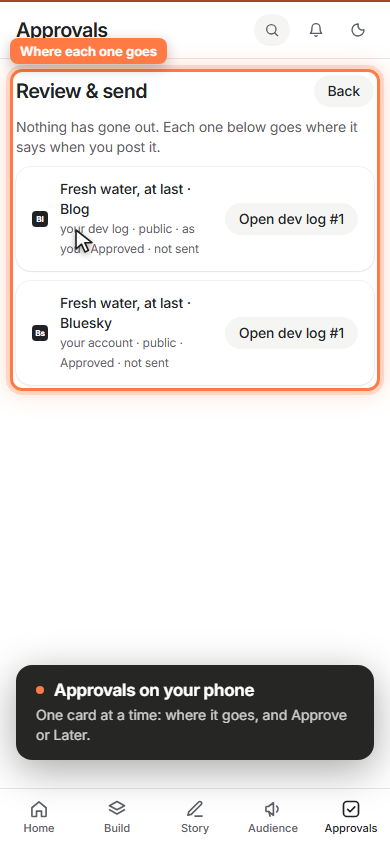 Clip
Clip
-
Build the Steam page, then test it
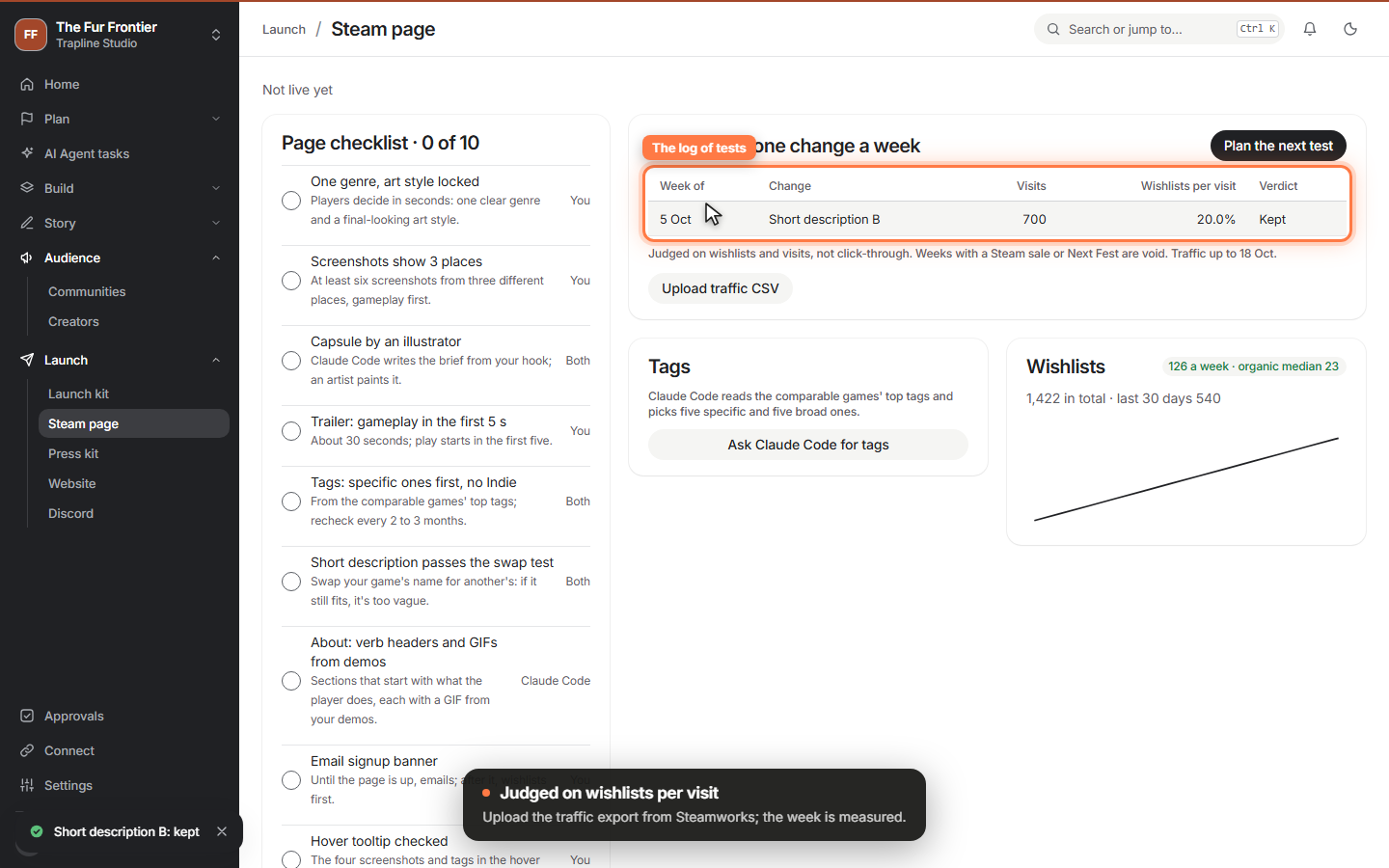
Launch › Steam page carries the page minimum as a checklist and tests the page one change a week, judged on wishlists per visit instead of click-through. Claude Code researches your tags from the games your players also bought.
 Video
Video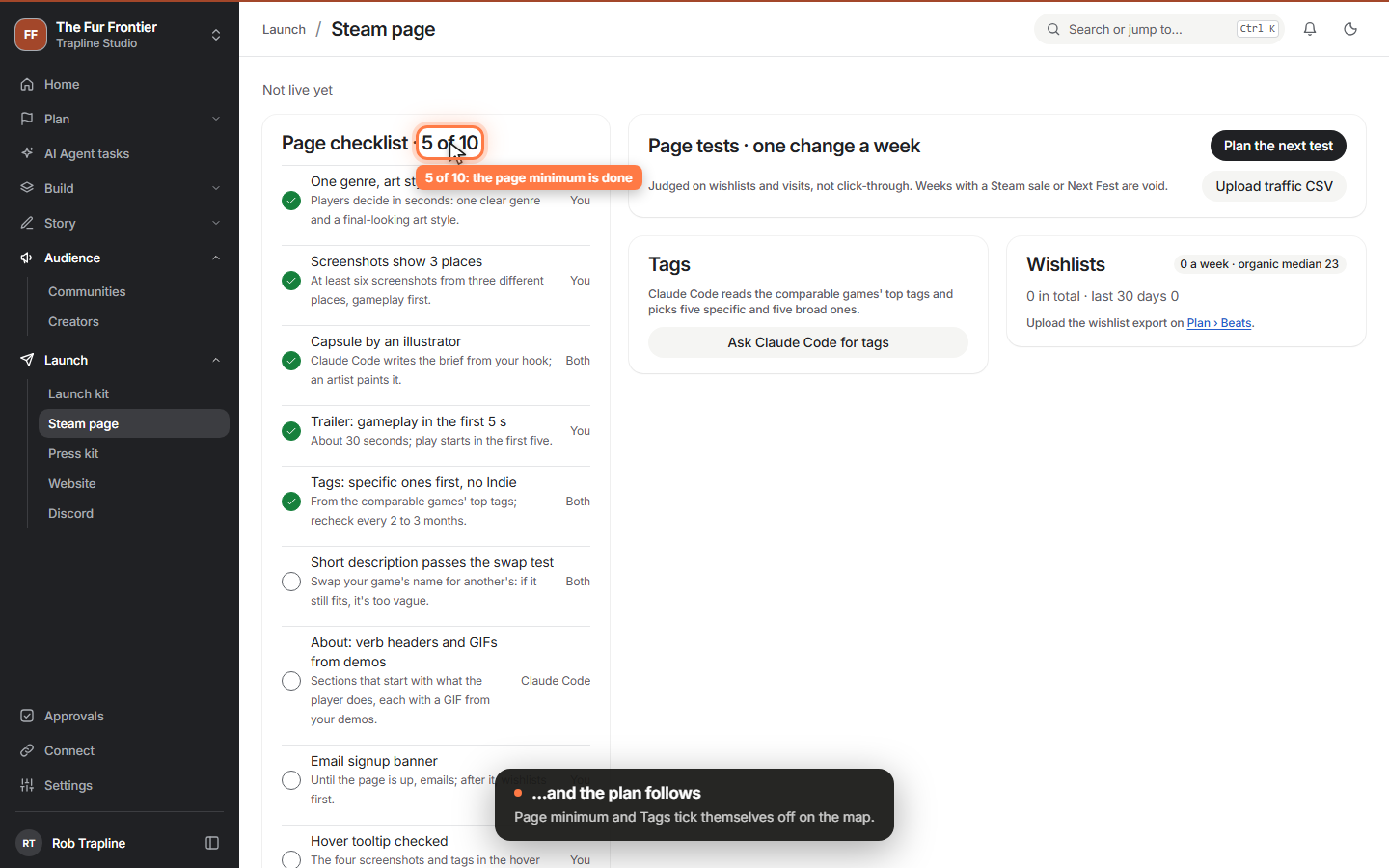 Clip
Clip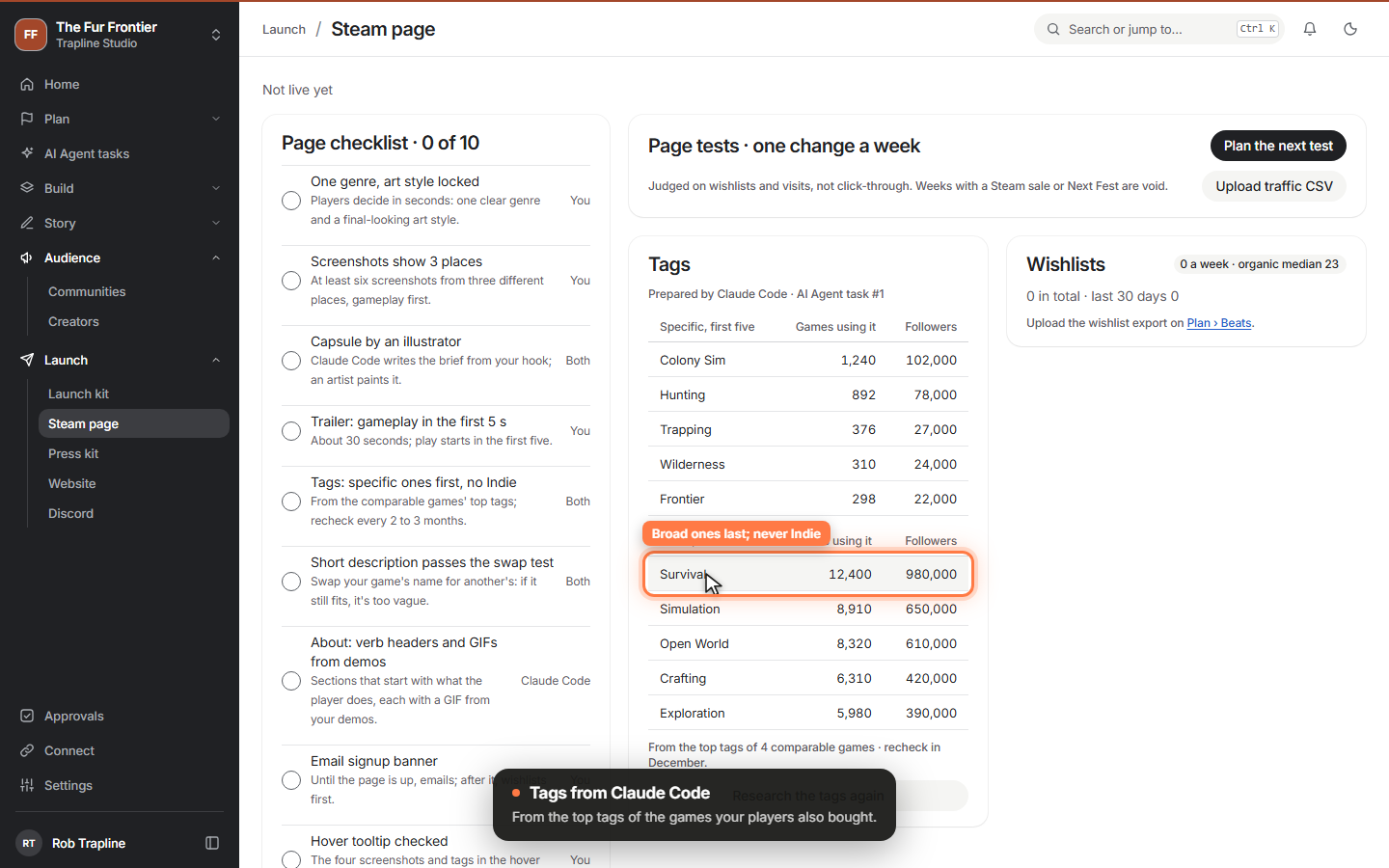 Clip
Clip
-
Aim at wishlists, not a date
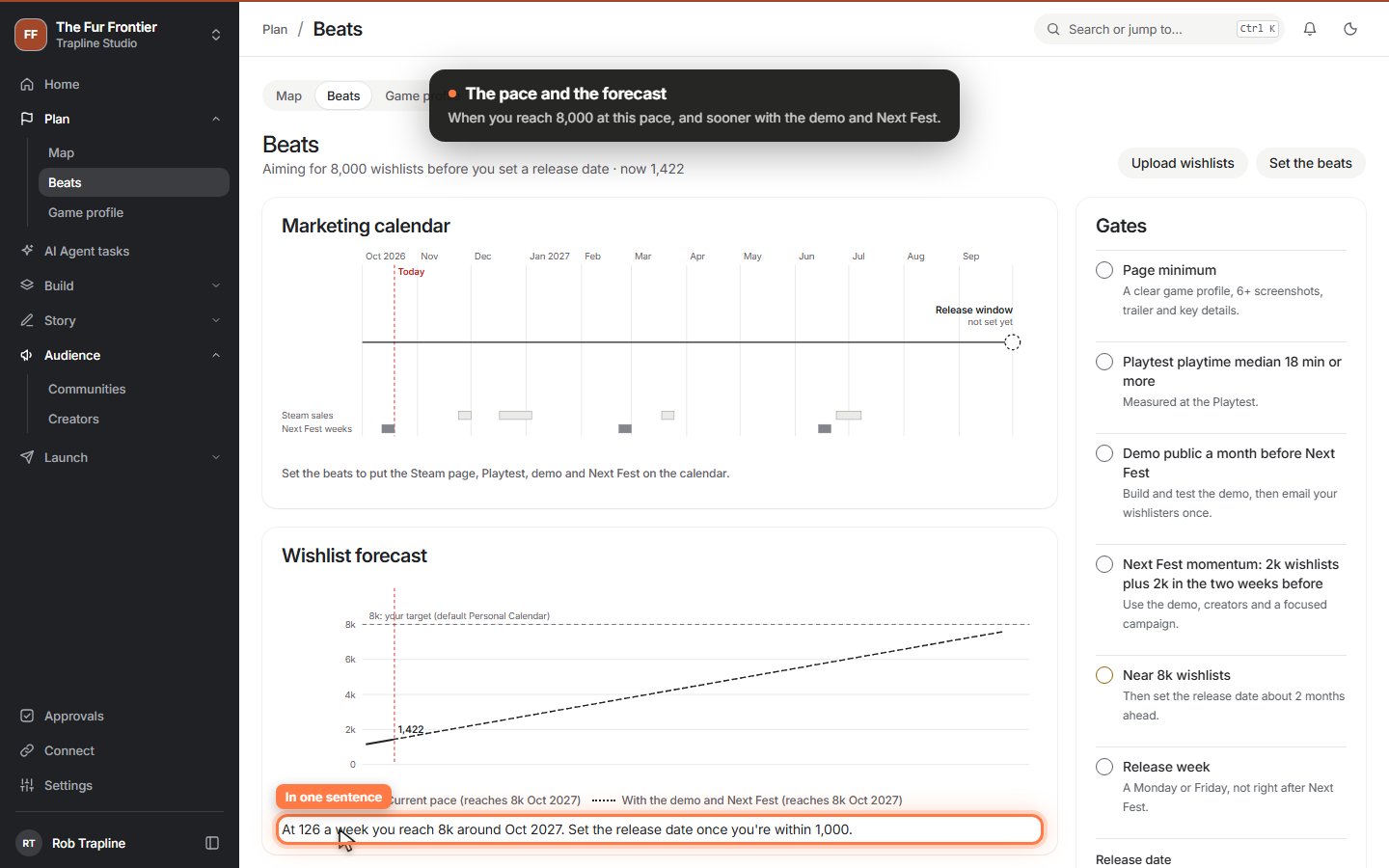
Plan › Beats aims your marketing at a wishlist target. Upload the wishlist export from Steamworks and see your pace and when you'll reach the target; put the Playtest, demo and Next Fest on a calendar next to Steam's sales; and let the gates tell you when it's time to set the release date.
 Video
Video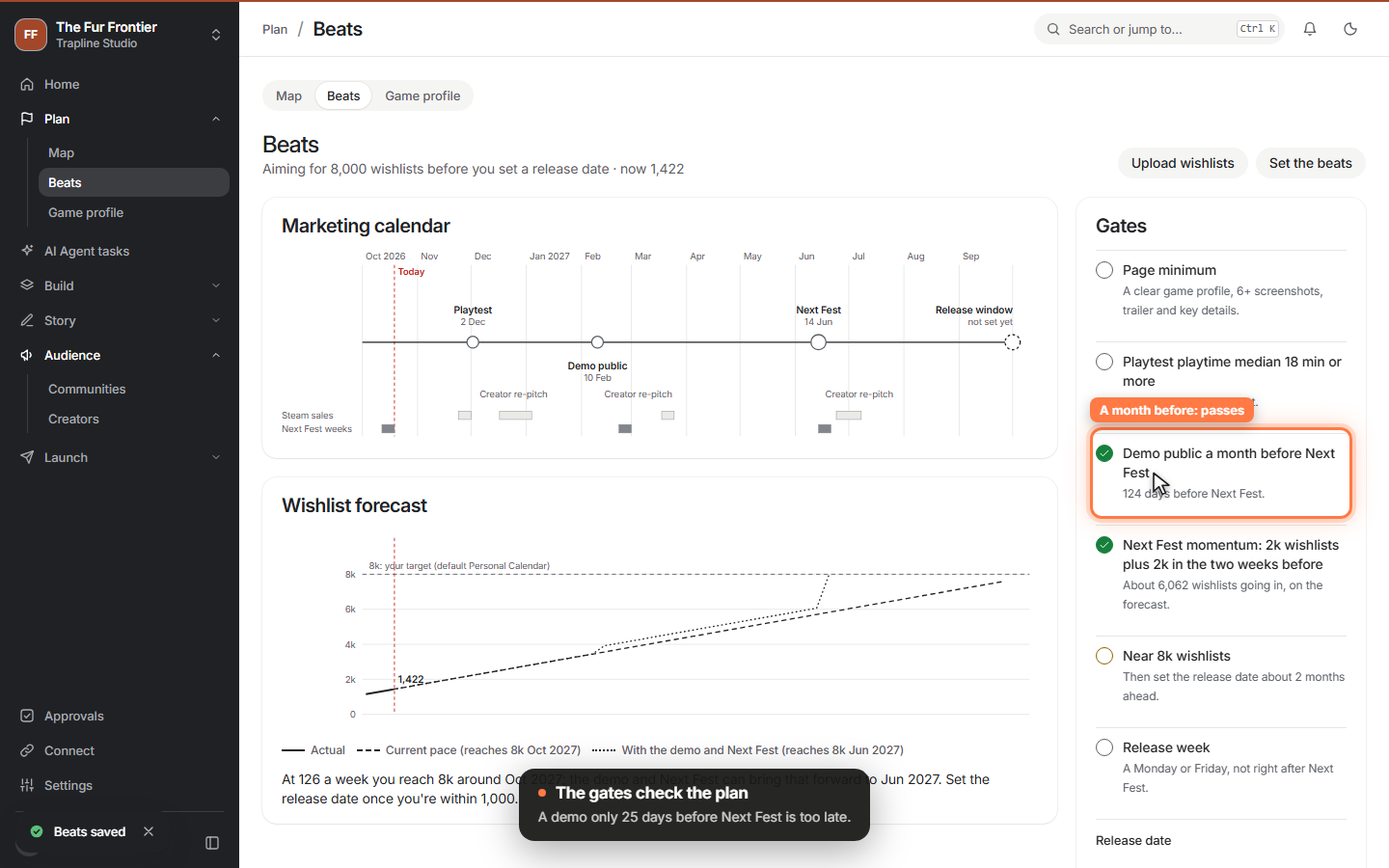 Clip
Clip
-
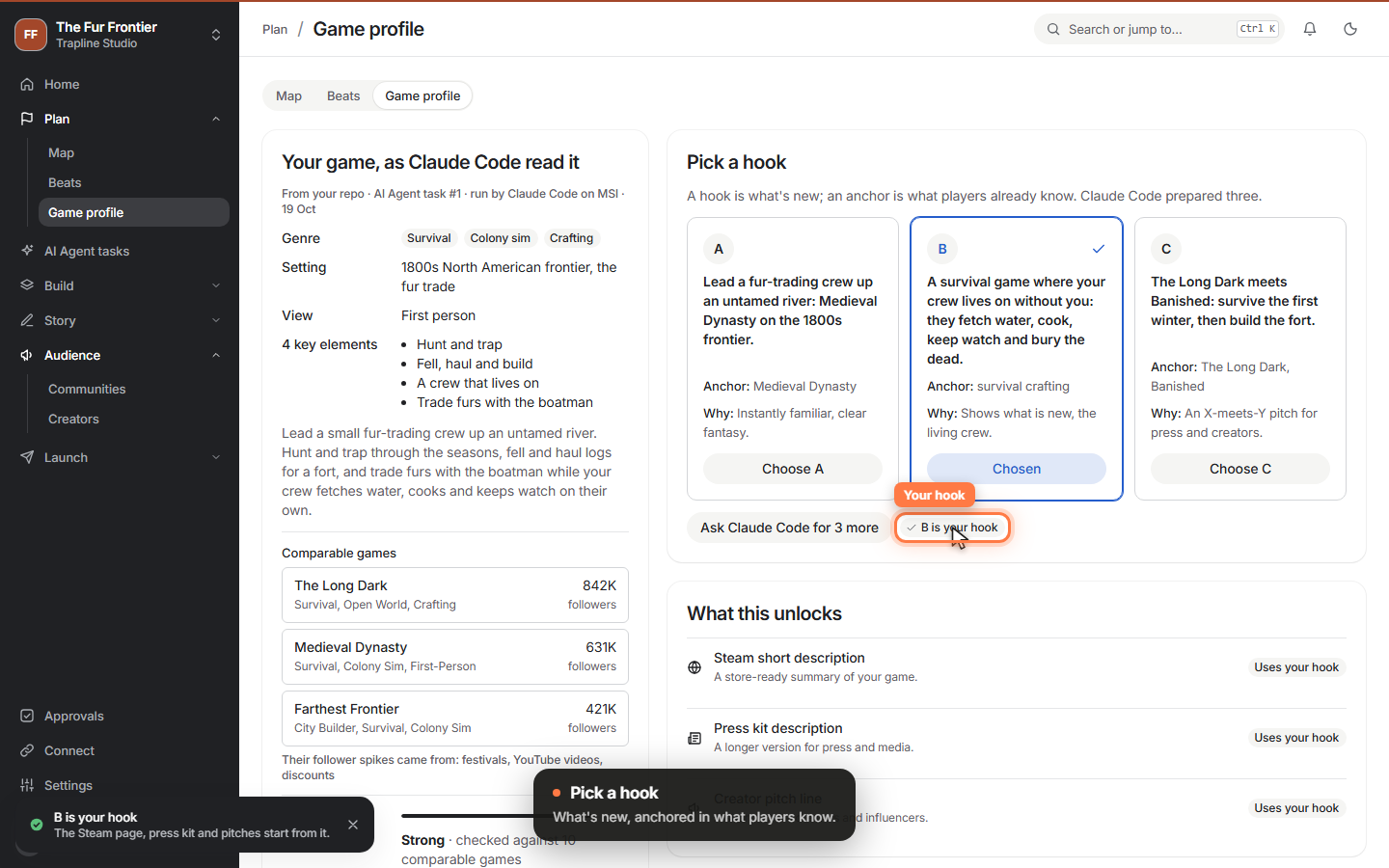
Your game, as Claude Code read it
Claude Code now reads your repository and writes your game's profile, scans the games your players also bought, and prepares three hooks. You pick one, and the first three steps of your plan are done.
 Video
Video
-
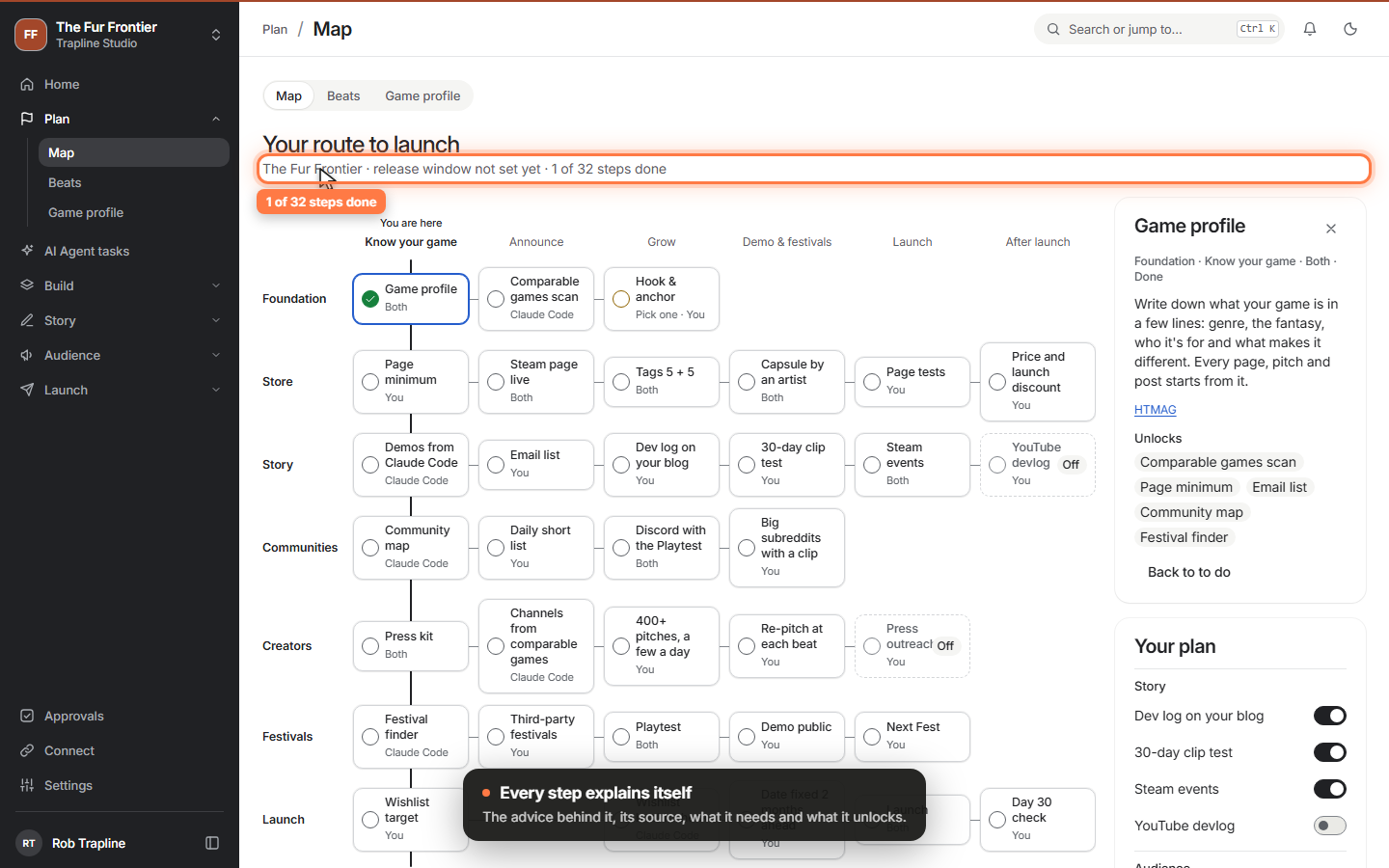
Your route to launch
Plan › Map lays out the whole road from today to launch as one tech tree: what to do in which order, who does it, and the advice behind every step. Switch off what doesn't fit your game and the rest of Tinderbox follows.
 Video
Video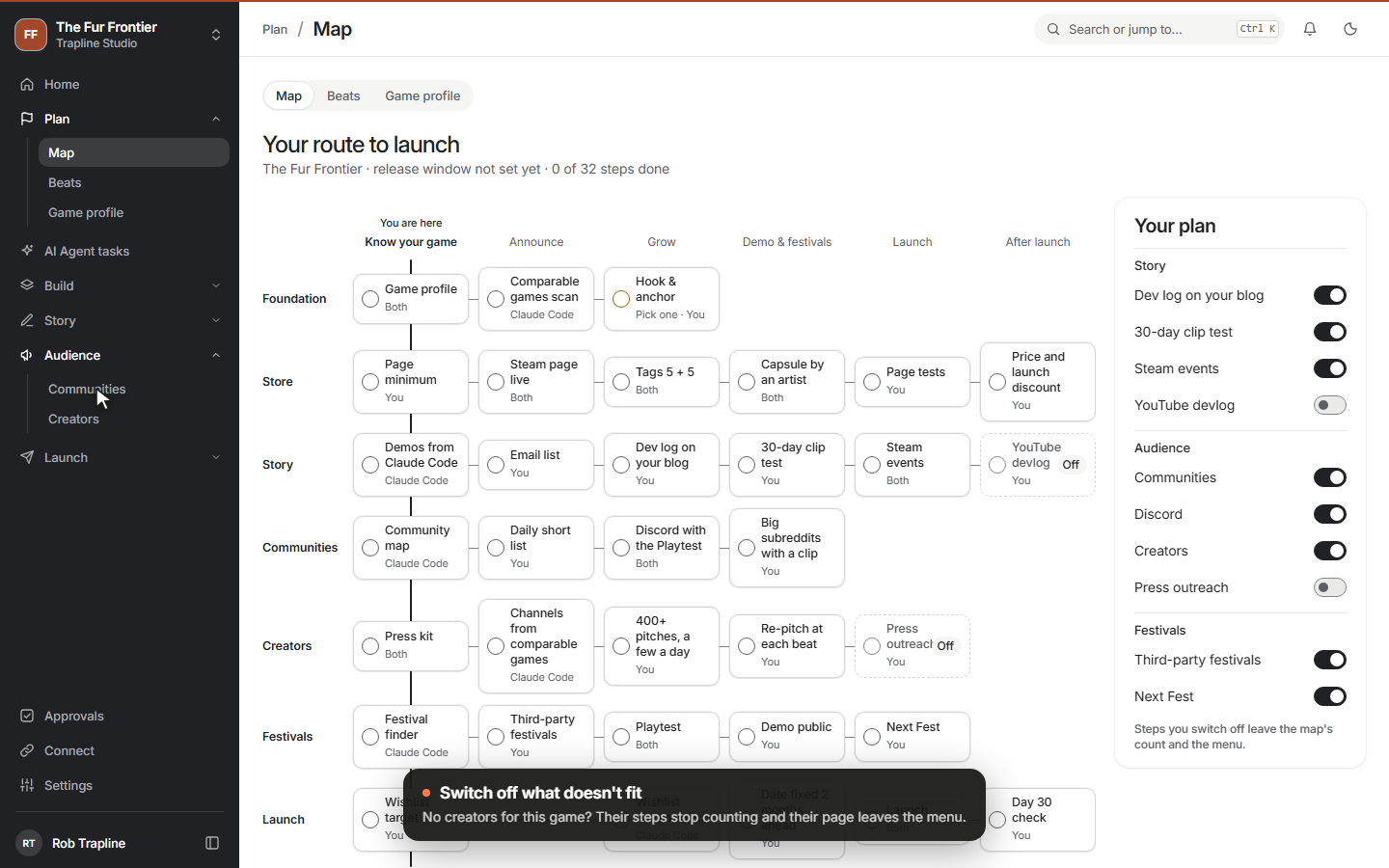 Clip
Clip
-
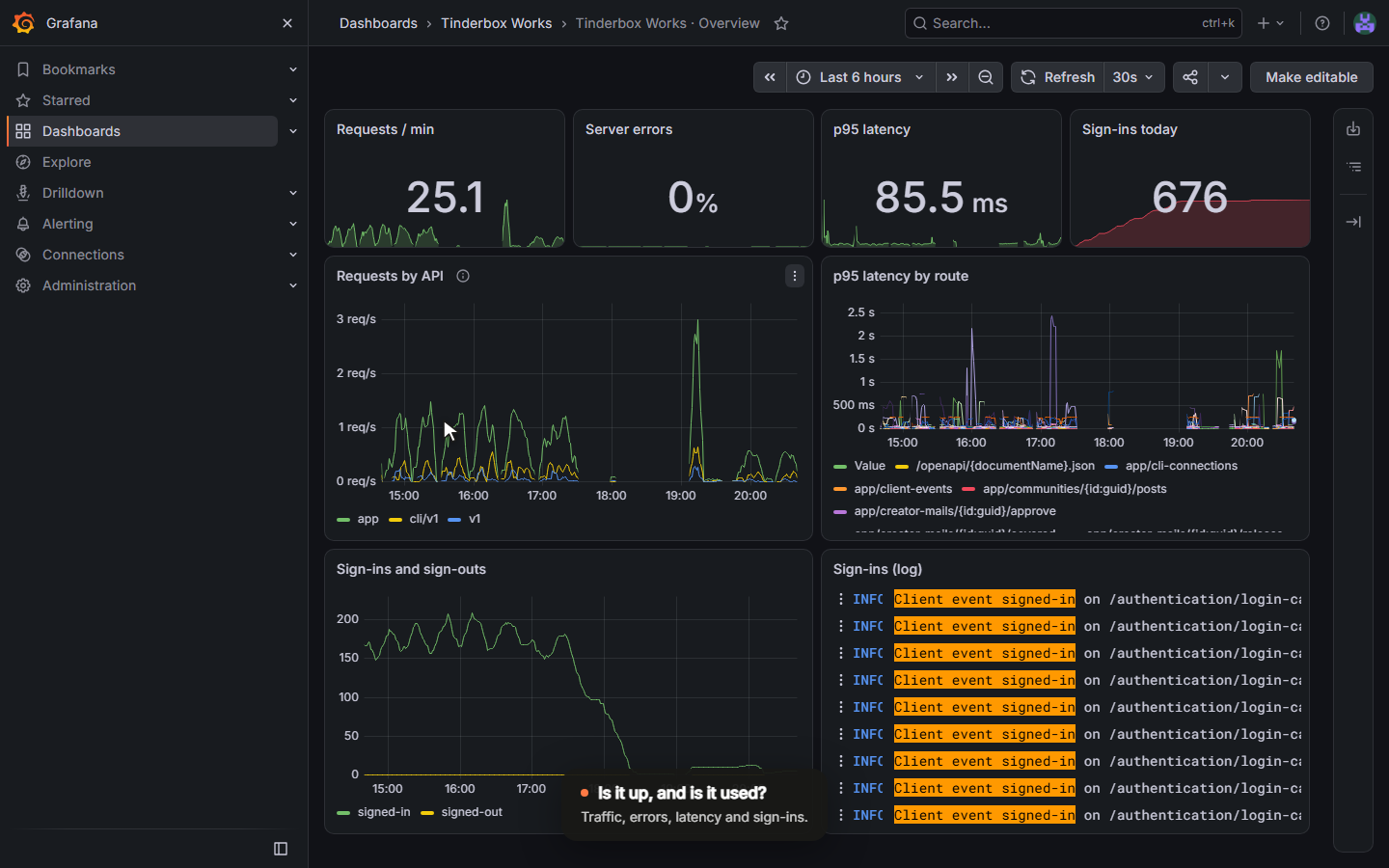
Seeing what Tinderbox does
Logs, metrics and traces now land in Grafana, behind the same Keycloak sign-in as the app. Three dashboards show whether things work and what studios do with them, and errors from your browser end up there too.
 Video
Video
-
Home: what needs you today
Home now answers one question: what needs you today. Claude Code's questions come first, then failed tasks, demos to check and new reports. And a report can be triaged on its own page, also on your phone.
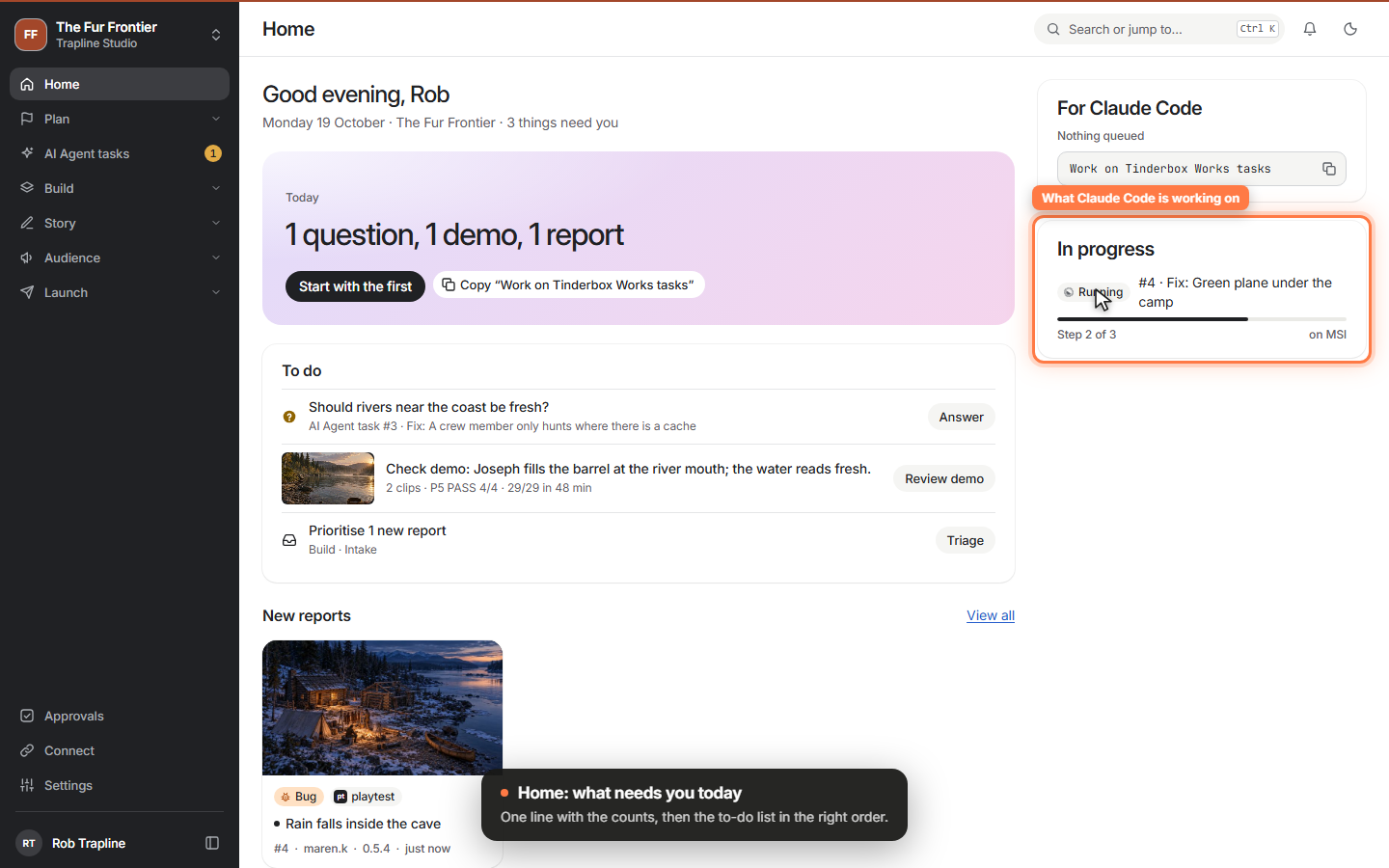 Video
Video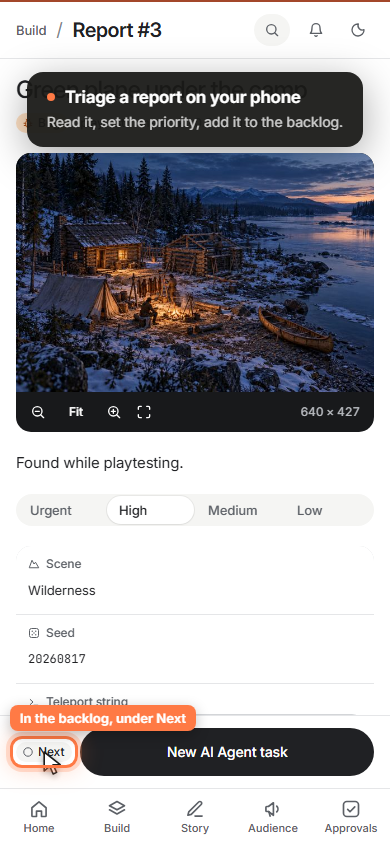 Clip
Clip
-
Demos you can approve from your phone
When Claude Code finishes a fix, it records a short demo from the build and posts it back. You watch it on desktop or phone and approve it, or comment and send it back for another try.
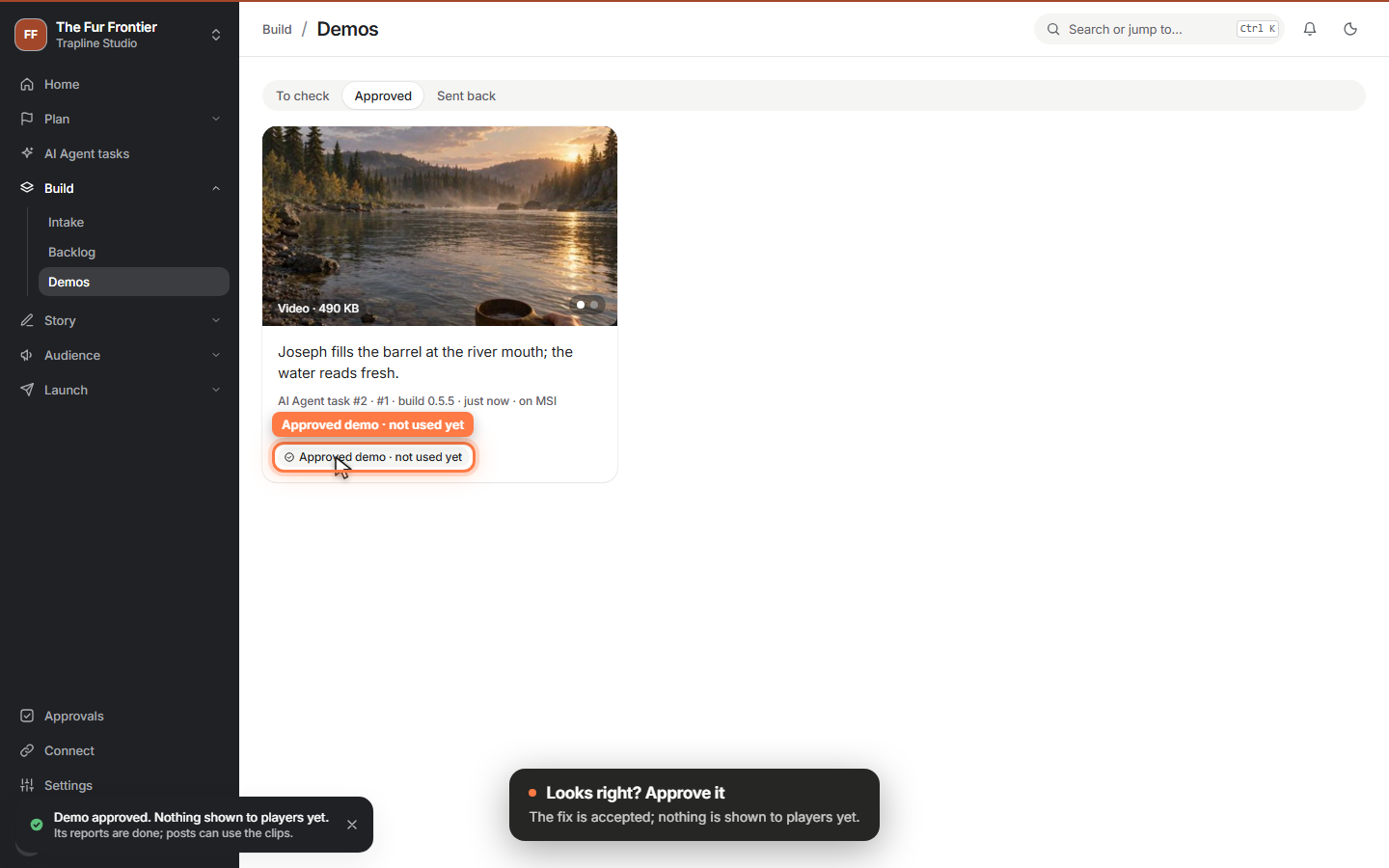 Video
Video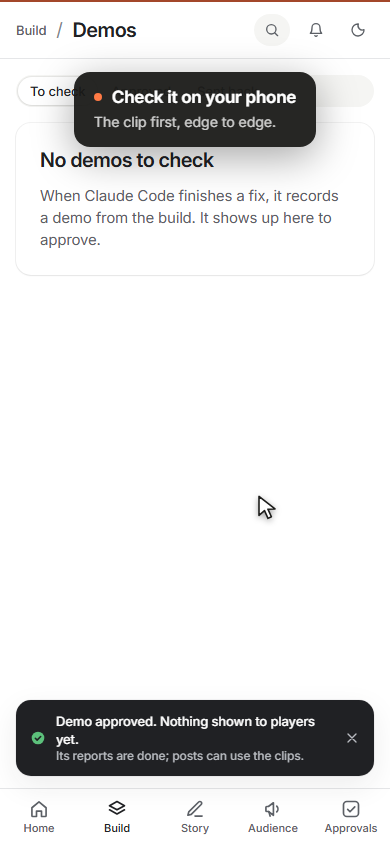 Clip
Clip
-
AI Agent tasks for your Claude Code
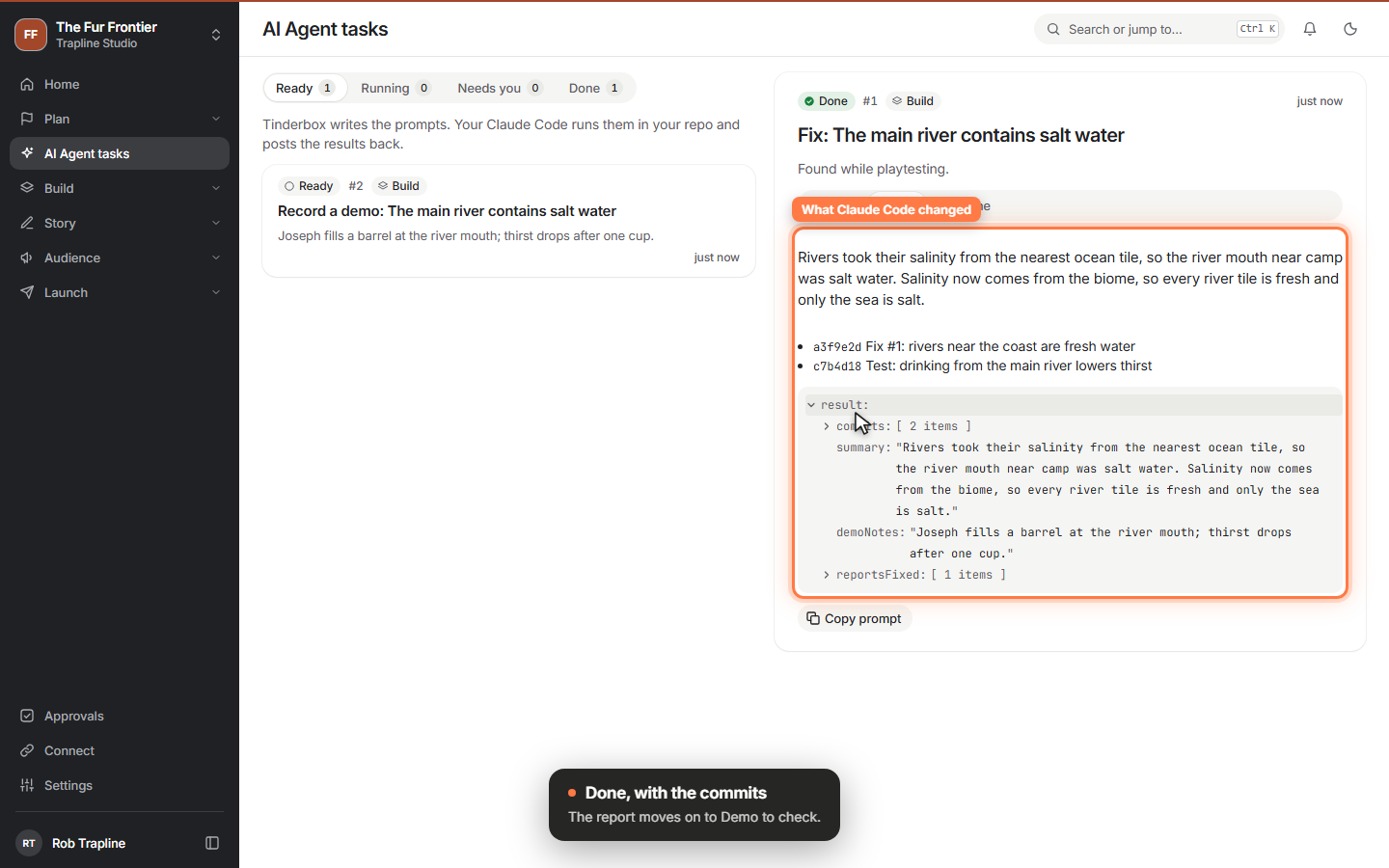
Tinderbox writes the prompt; your own Claude Code does the work in your repo and posts the result back. Hand it a report from the backlog, answer its questions from the app, and see the commits when it's done.
 Video
Video
-
A backlog you can rank, and Ctrl K for everything
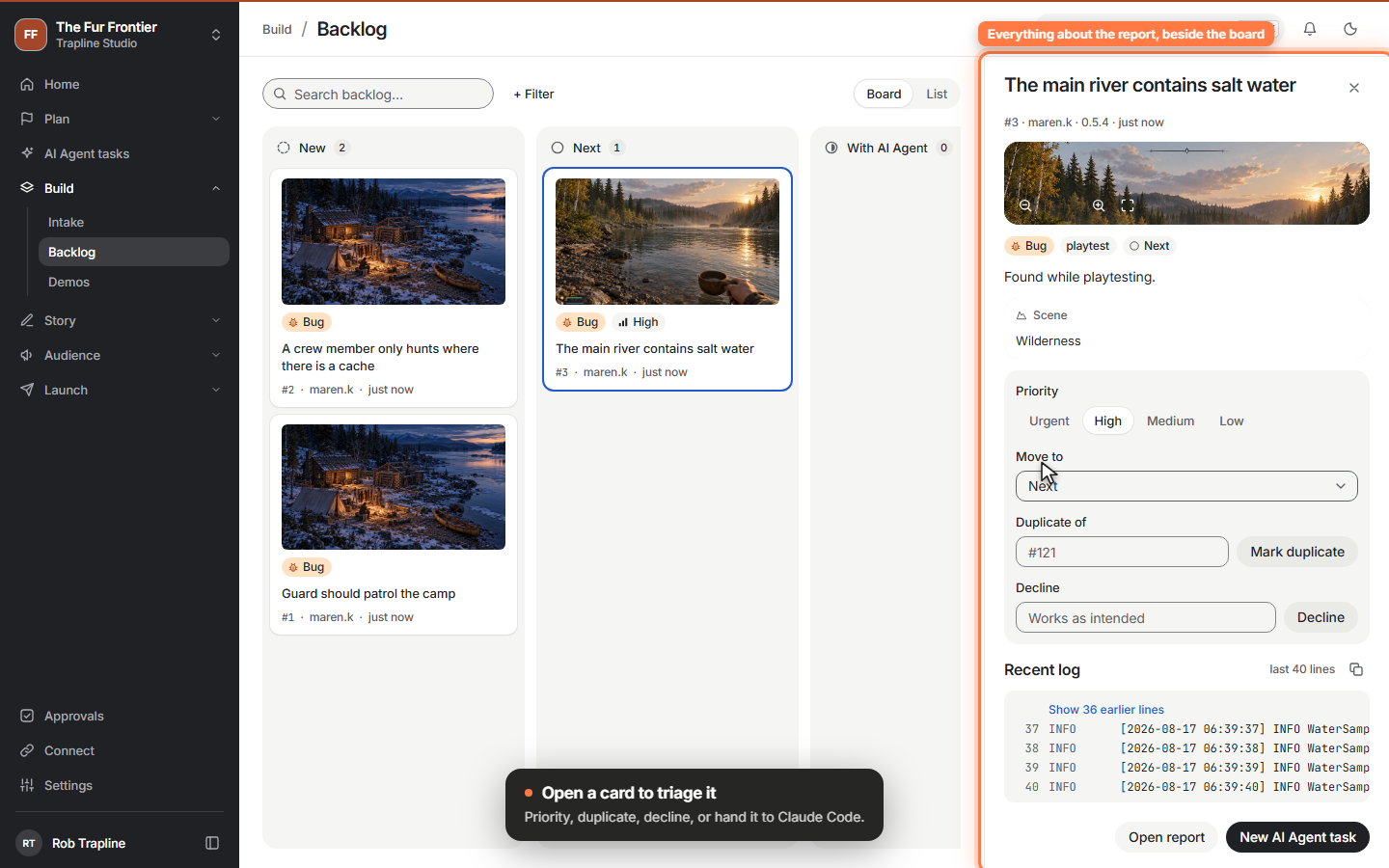
Triage reports on a board: drag them from New to Next, rank them, set a priority, mark duplicates or decline them. Ctrl K finds any report by its words or its number.
 Video
Video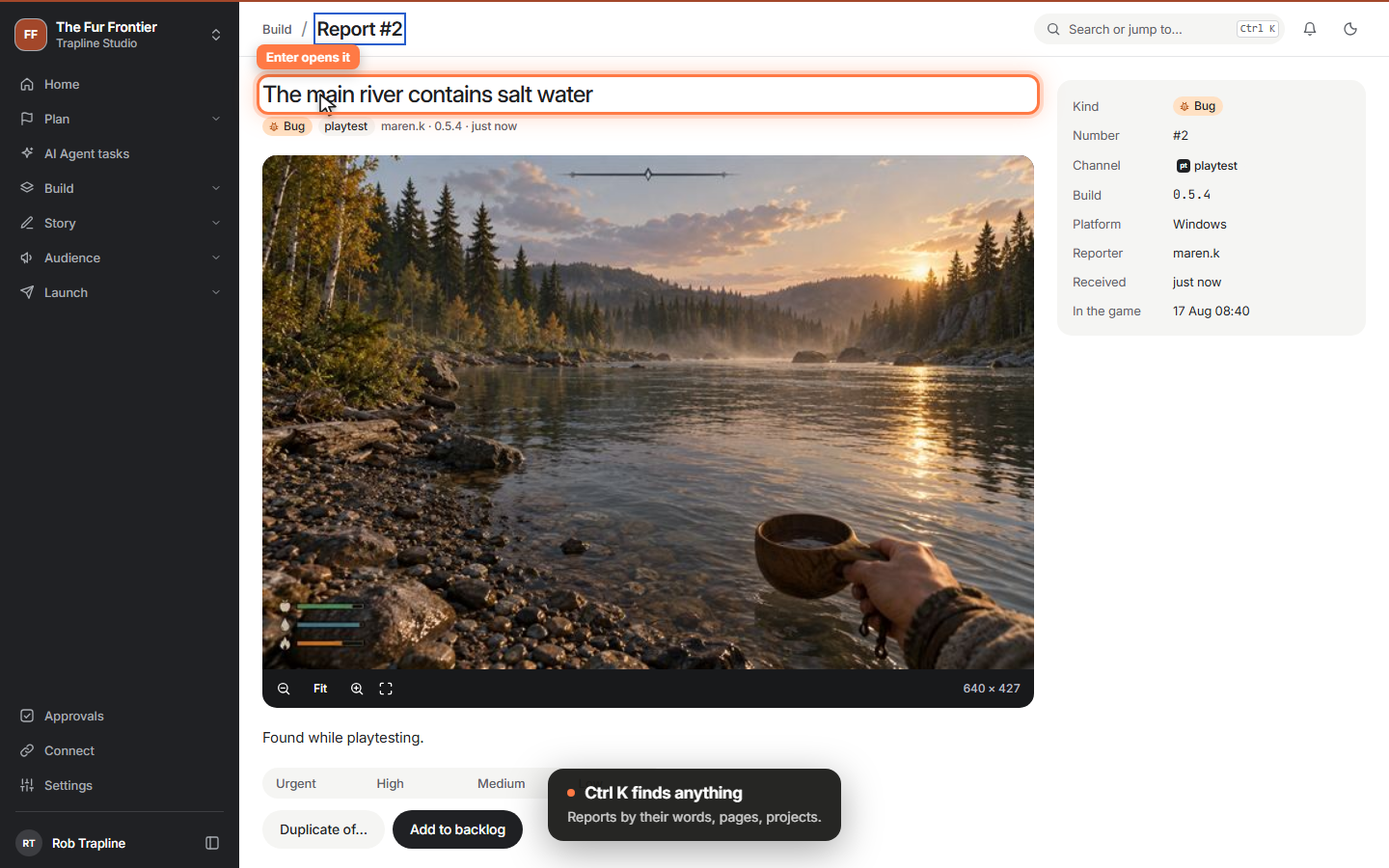 Clip
Clip
-
Bugs and ideas straight from your game
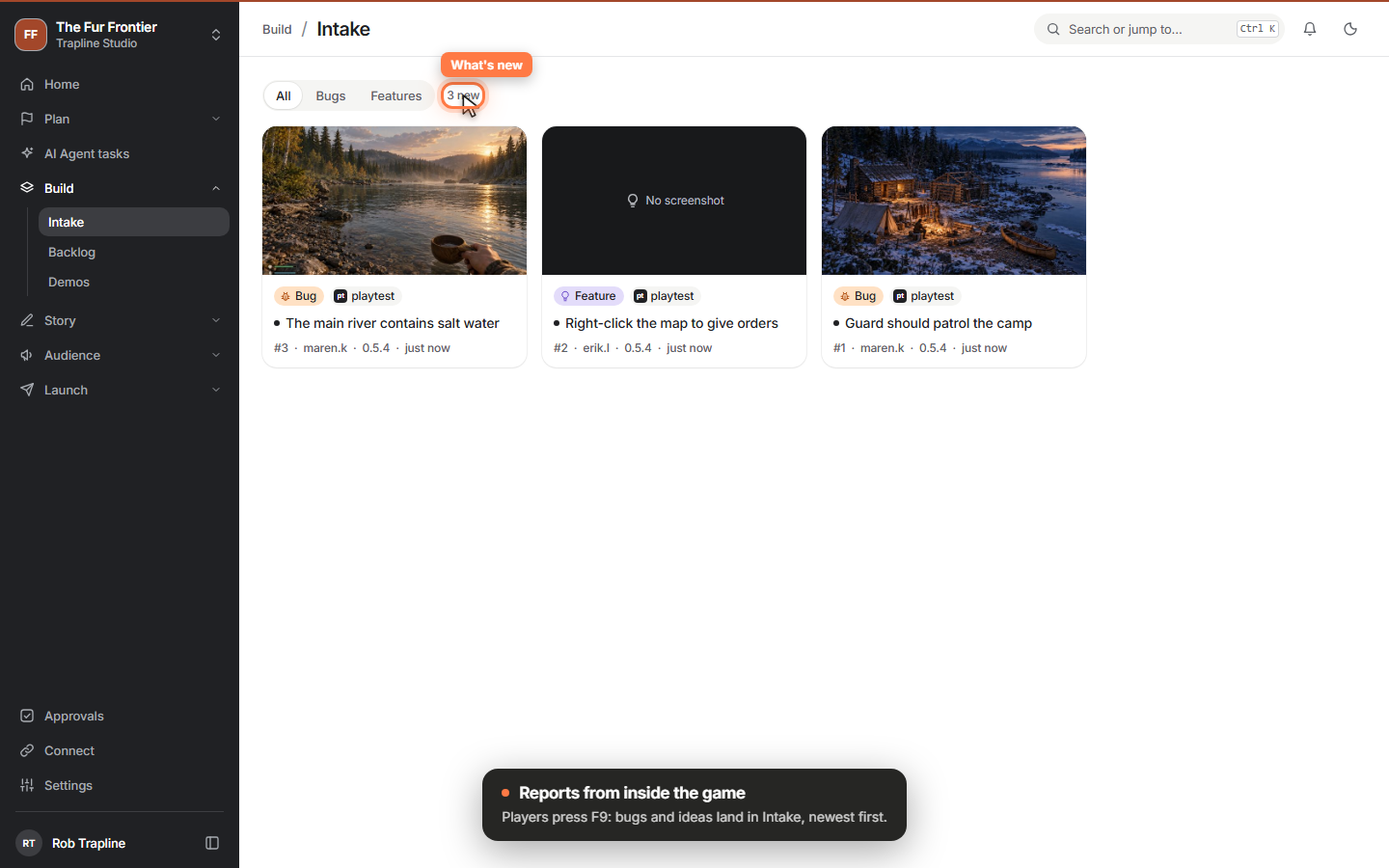
Players and testers press F9 in a build; the report lands in Intake with its screenshot, the game's context, a teleport string to copy and the last log lines.
 Video
Video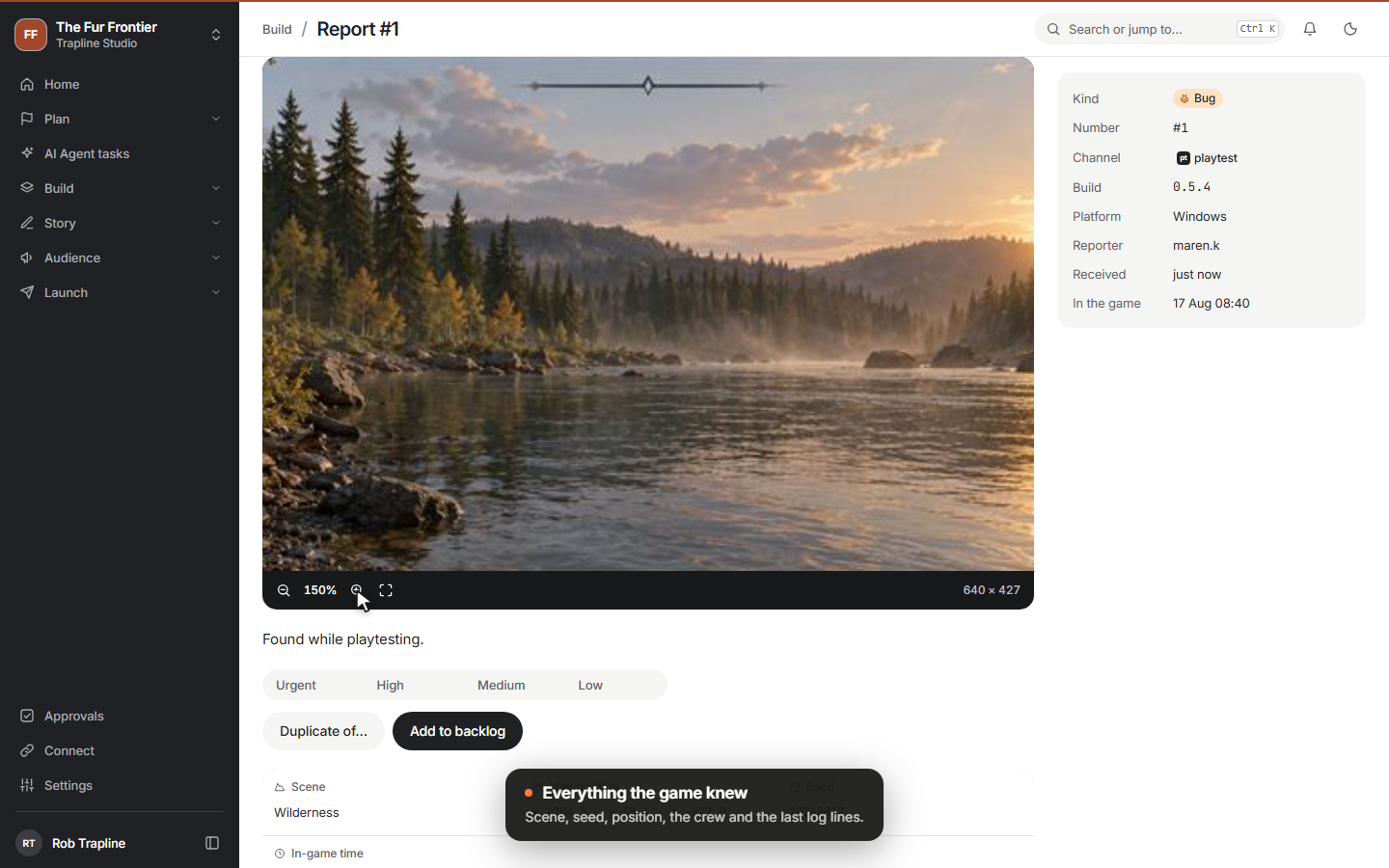 Clip
Clip
-
Connect your game and your Claude Code
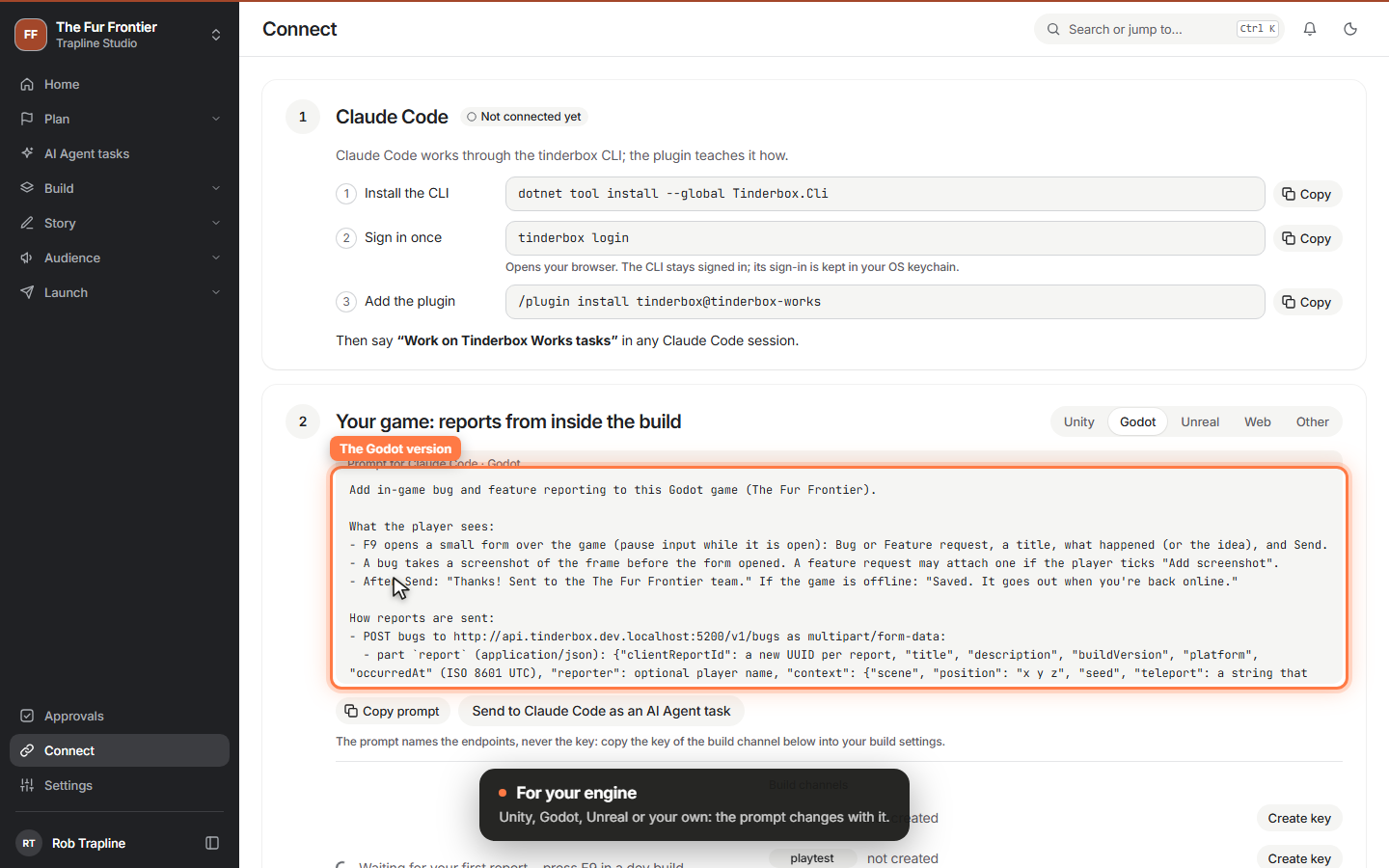
The Connect page: install the CLI, add the plugin, give your game F9 reporting with one prompt, and manage a write-only key per build channel.
 Video
Video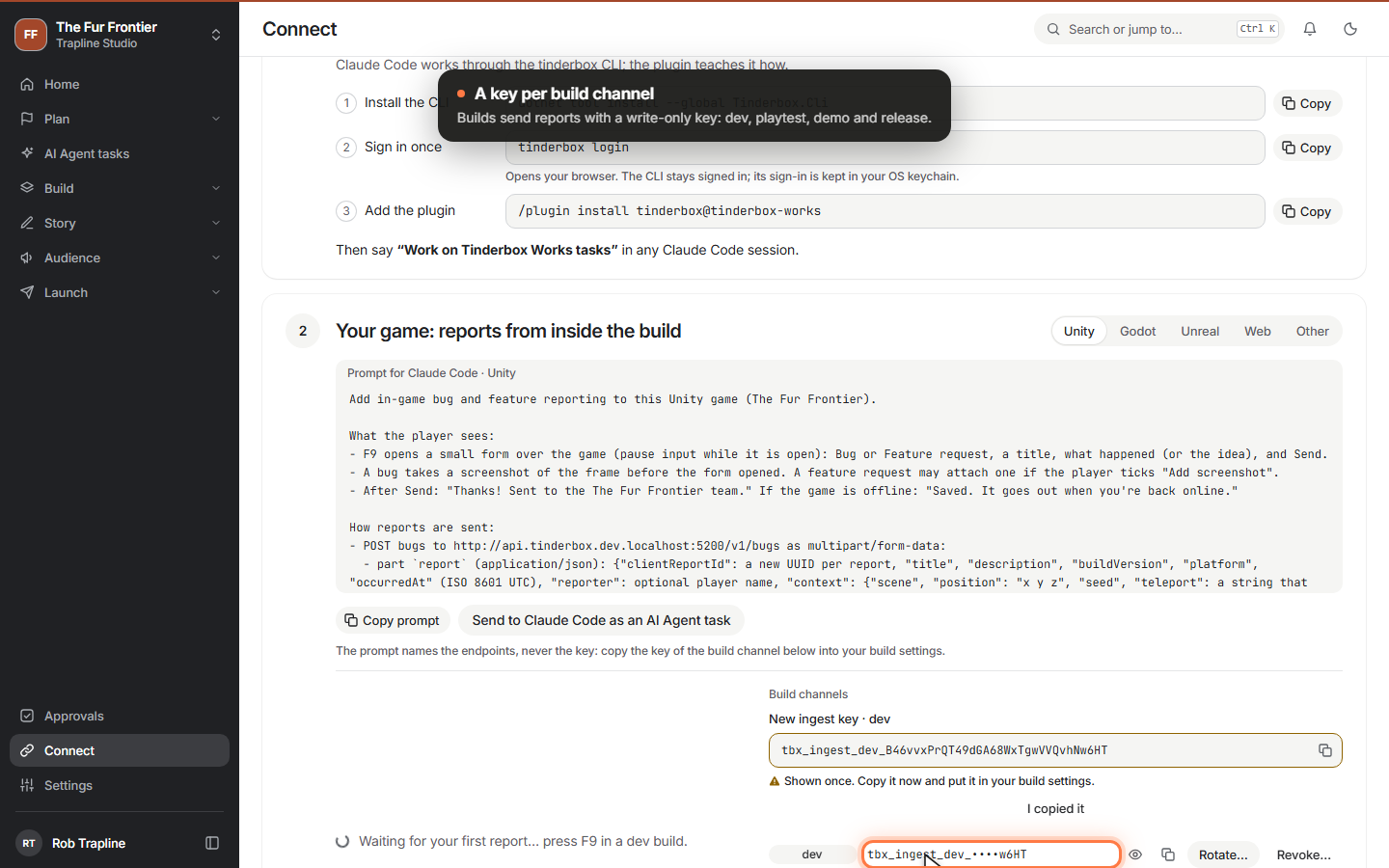 Clip
Clip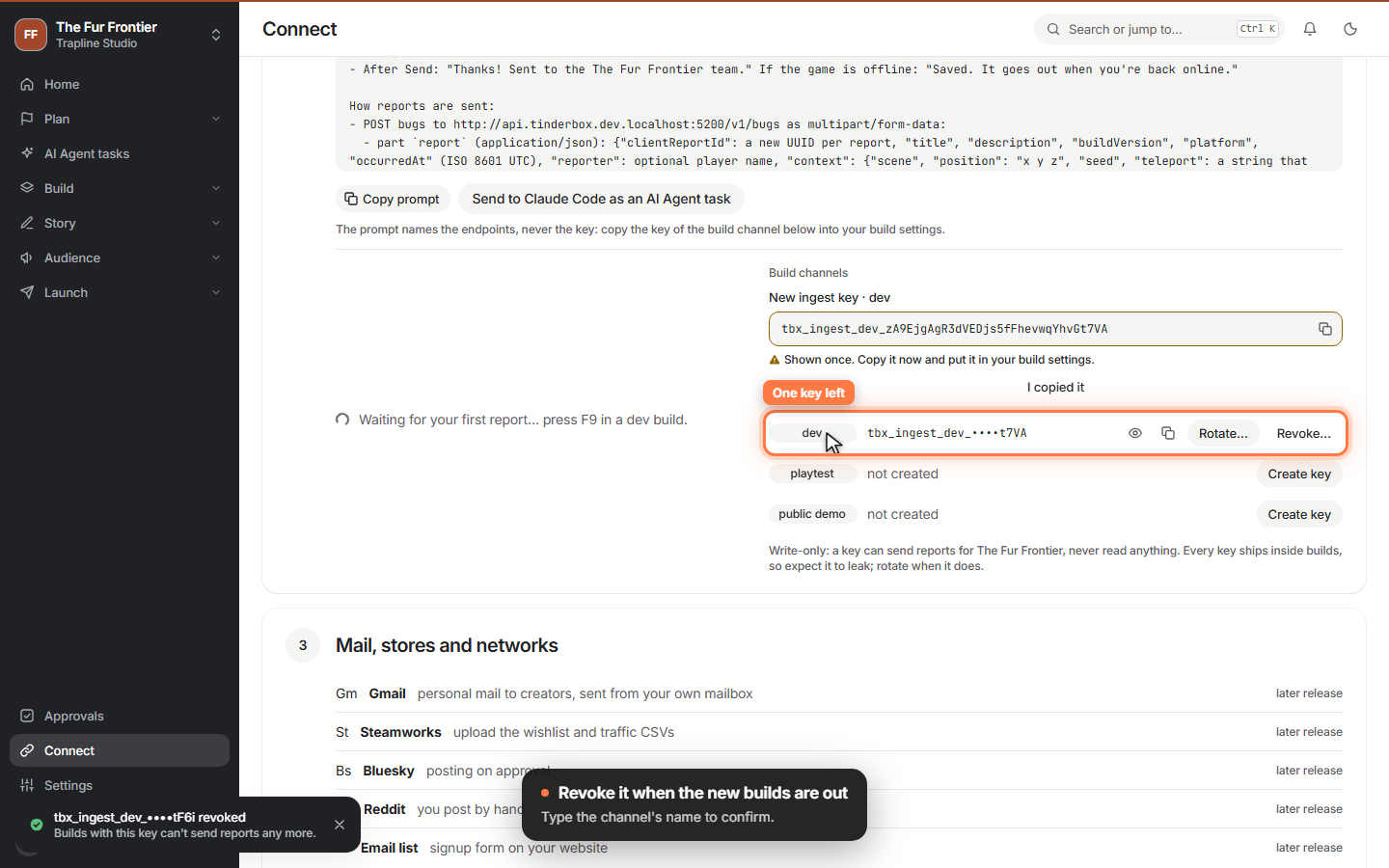 Clip
Clip
-
Your studio, your games
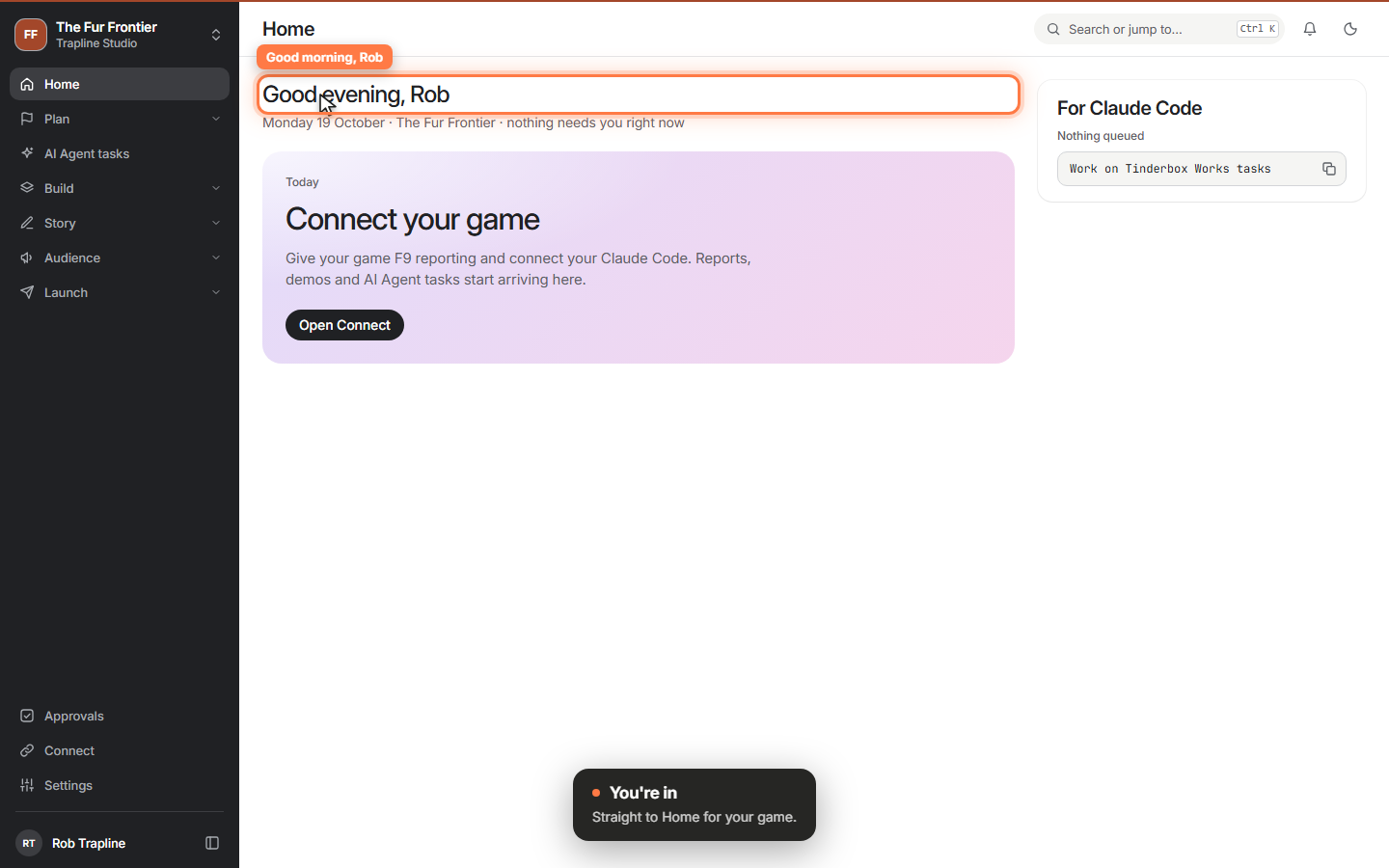
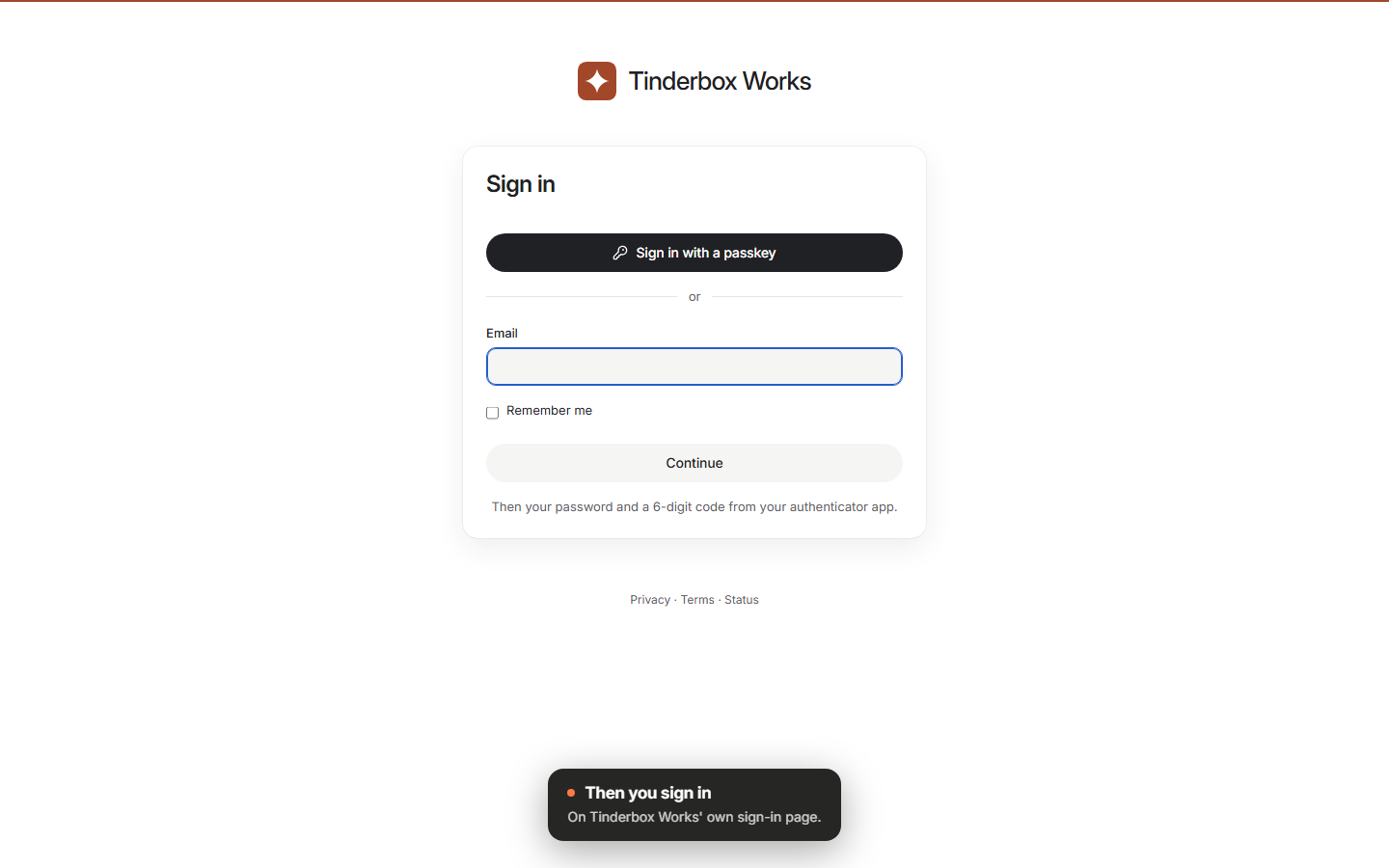
Sign in with a password and a one-time code, set up your first game and find your way around the app. The CLI signs in through your browser.
 Video
Video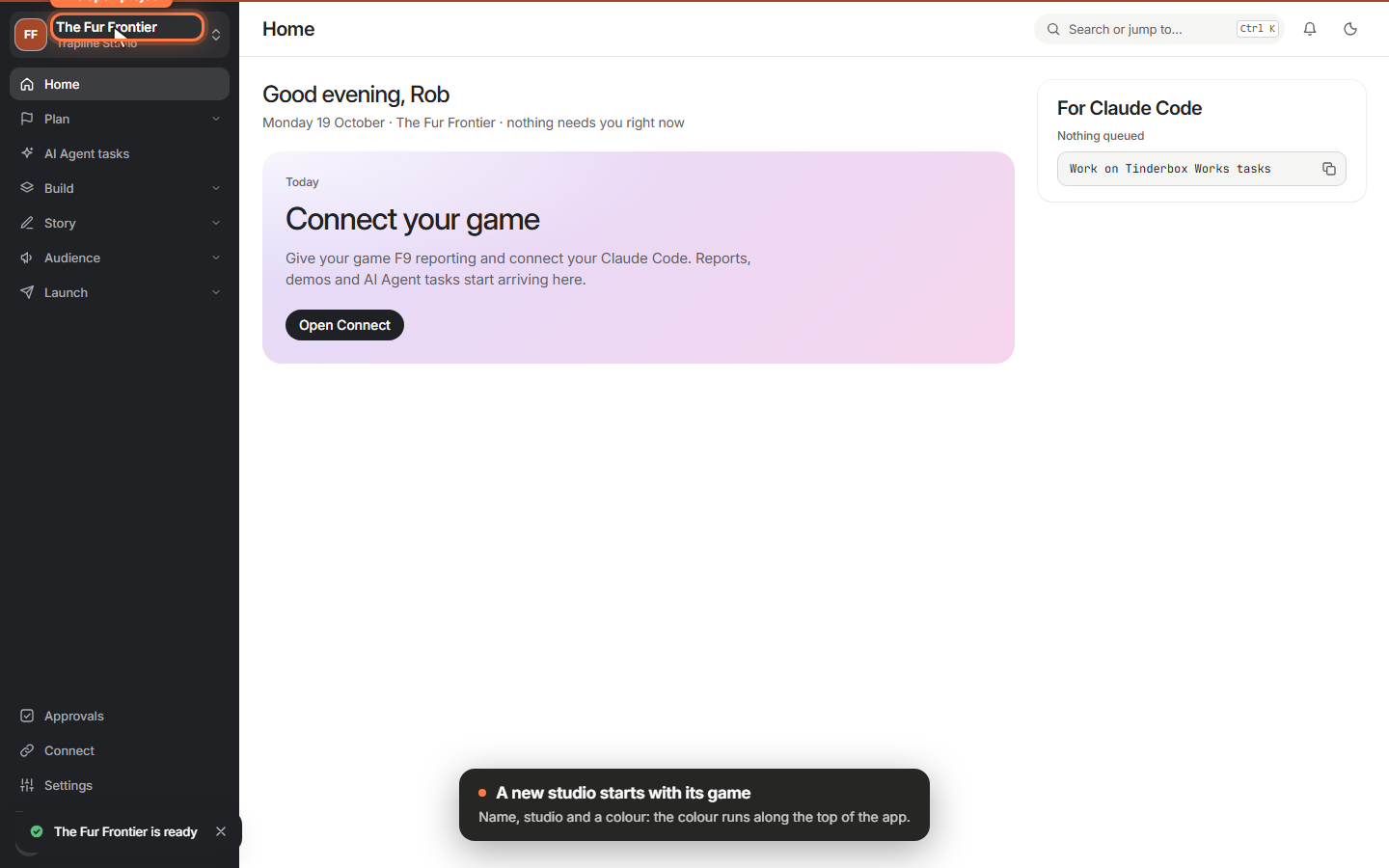 Clip
Clip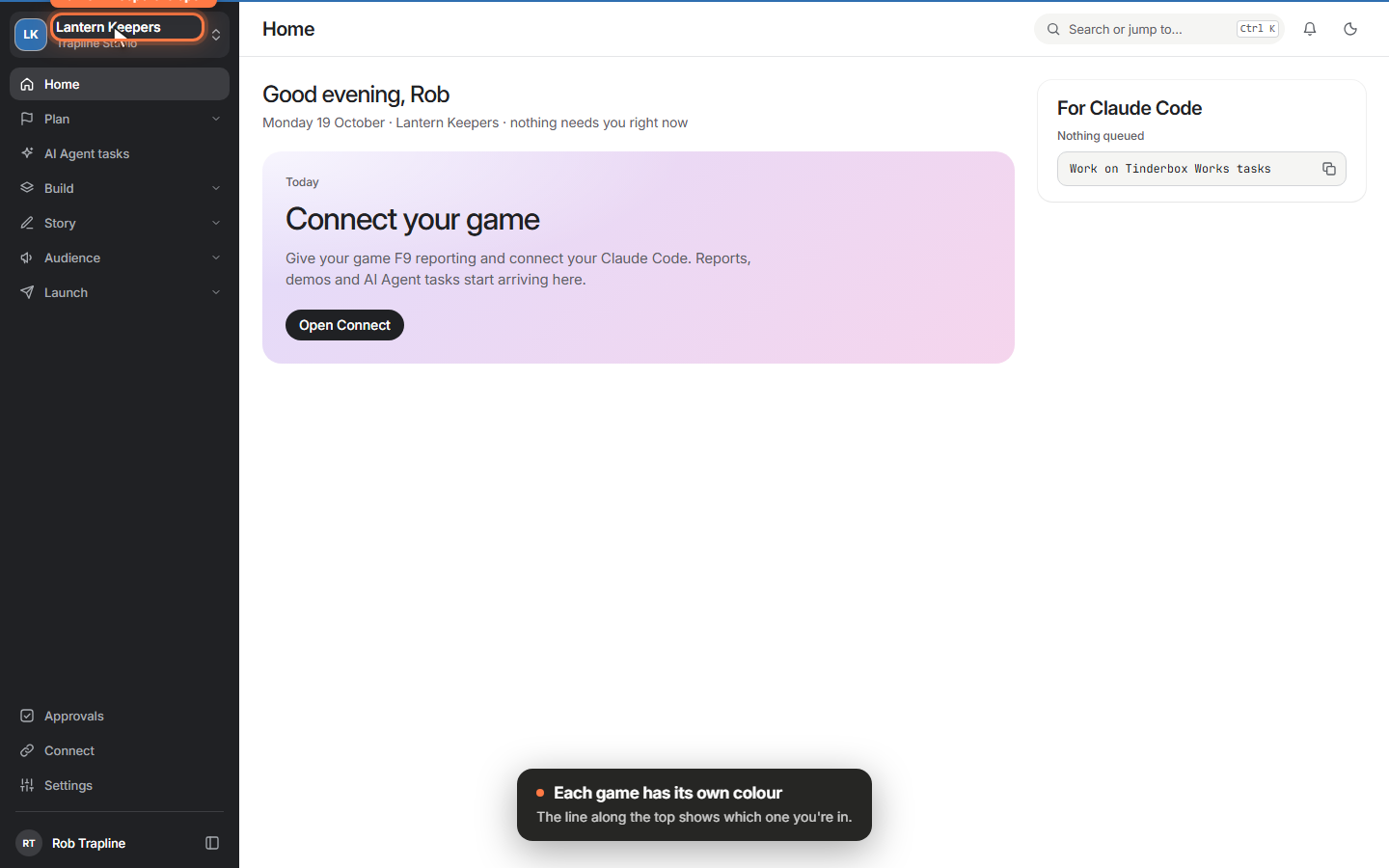 Clip
Clip
-
The fire is lit
The foundation of Tinderbox Works: the app, its API, the tinderbox CLI and this site, all running together.
 Video
Video
No releases in this filter yet.
The first release notes are on their way.
Each release gets a page here with what is new, what changed and what got fixed, shown with short videos Claude Code recorded from the build.
Follow with RSS